
What's new in the M4 MacBook Pro - Nano-texture display edition
It's finally here. Apple has introduced the nano-texture display on the new M4 MacBook Pro. It looks sleek, but it comes with a price tag. The big question on everyone's mind is simple. Is it actually worth the extra money?
Plenty of you are trying to decide right now. Should you upgrade to the nano-texture option? Or should you save the cash and stick with the regular glossy display? It's a tough call if you haven't seen them side-by-side.
I've got both models right here. We're going to put them through their paces in different lighting conditions. Daylight, dark modes, and harsh artificial light. By the end of this post, you'll know exactly which one belongs on your desk.
Unboxing the new machine
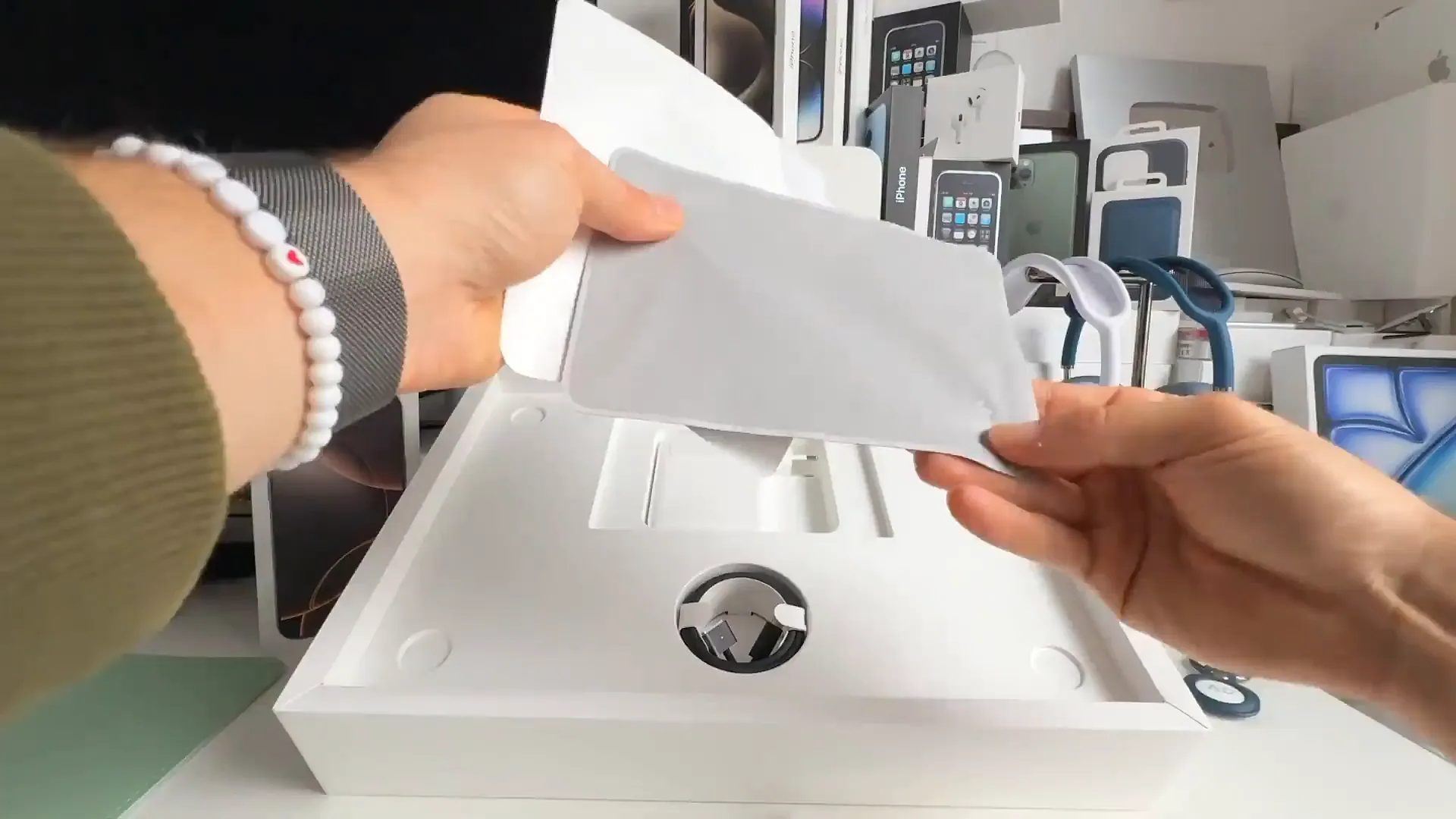
Before we get to the screen tests, let's get this beauty out of the box. If you've ordered one, here is what you can expect when it arrives.
- Pull the tab on the back of the box to break the seal
- Lift the lid. You'll see the MacBook Pro wrapped in the protective paper
- Remove the paper covering the screen. This is the best part
- Power it on. You'll see the classic Hello screen immediately
When you see them side-by-side, the difference is immediate. Let's look at how they handle a regular room with daylight.
Daylight and reflections
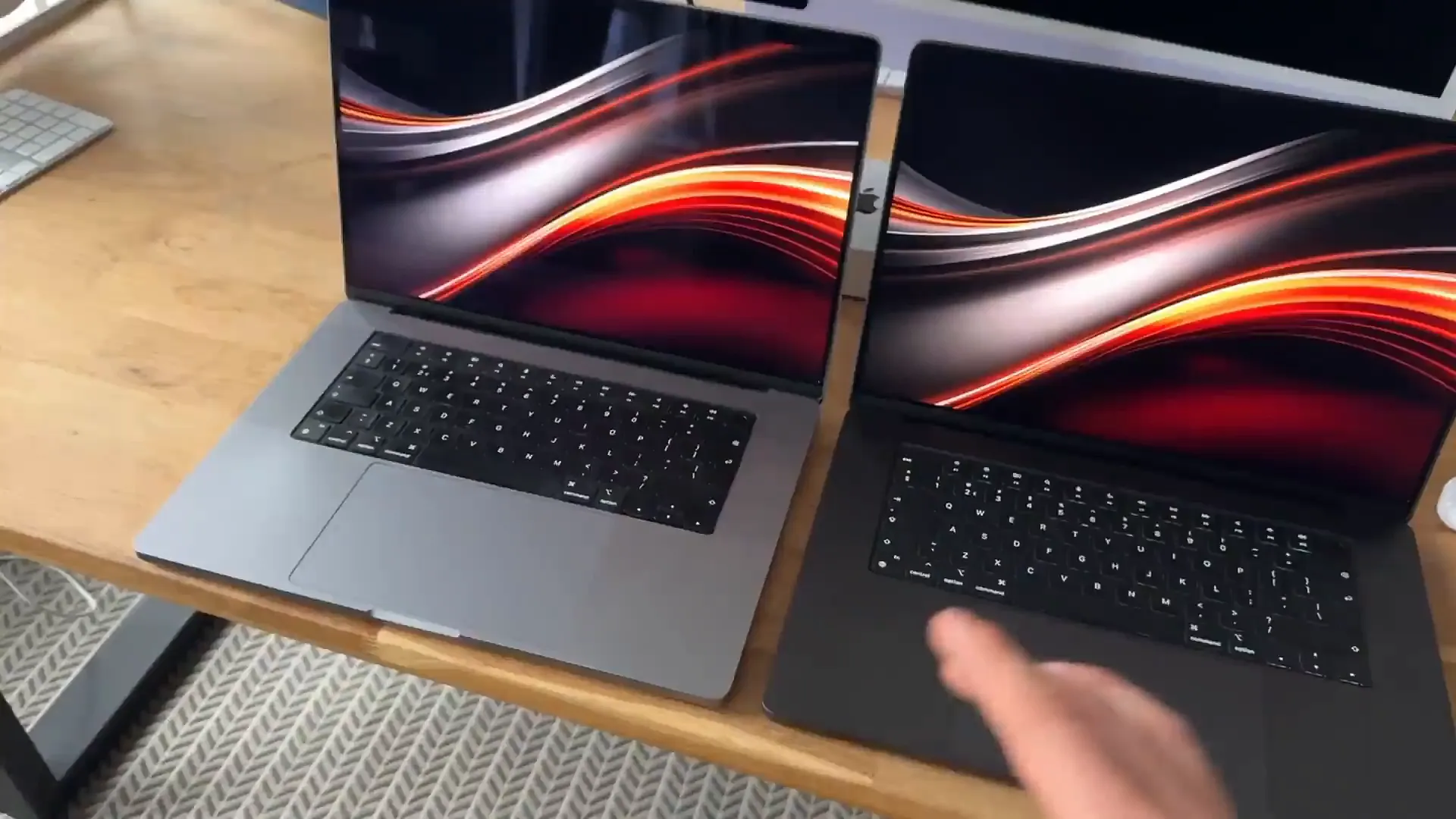
This is the most common scenario for most of us. You're sitting at a desk with a window nearby. Here is how the two screens compare.
Spotting the differences
- Look at the Glossy Display on the left. It acts almost like a mirror. You can see clear reflections of the room
- Check the Nano-texture Display on the right. There is almost no reflection at all
- Switch to a dark wallpaper. This is where the glossy screen struggles. You can see your own hand reflecting in the black areas
- Switch to a bright wallpaper. The glossy screen handles this better, but you can still catch glare in the corners
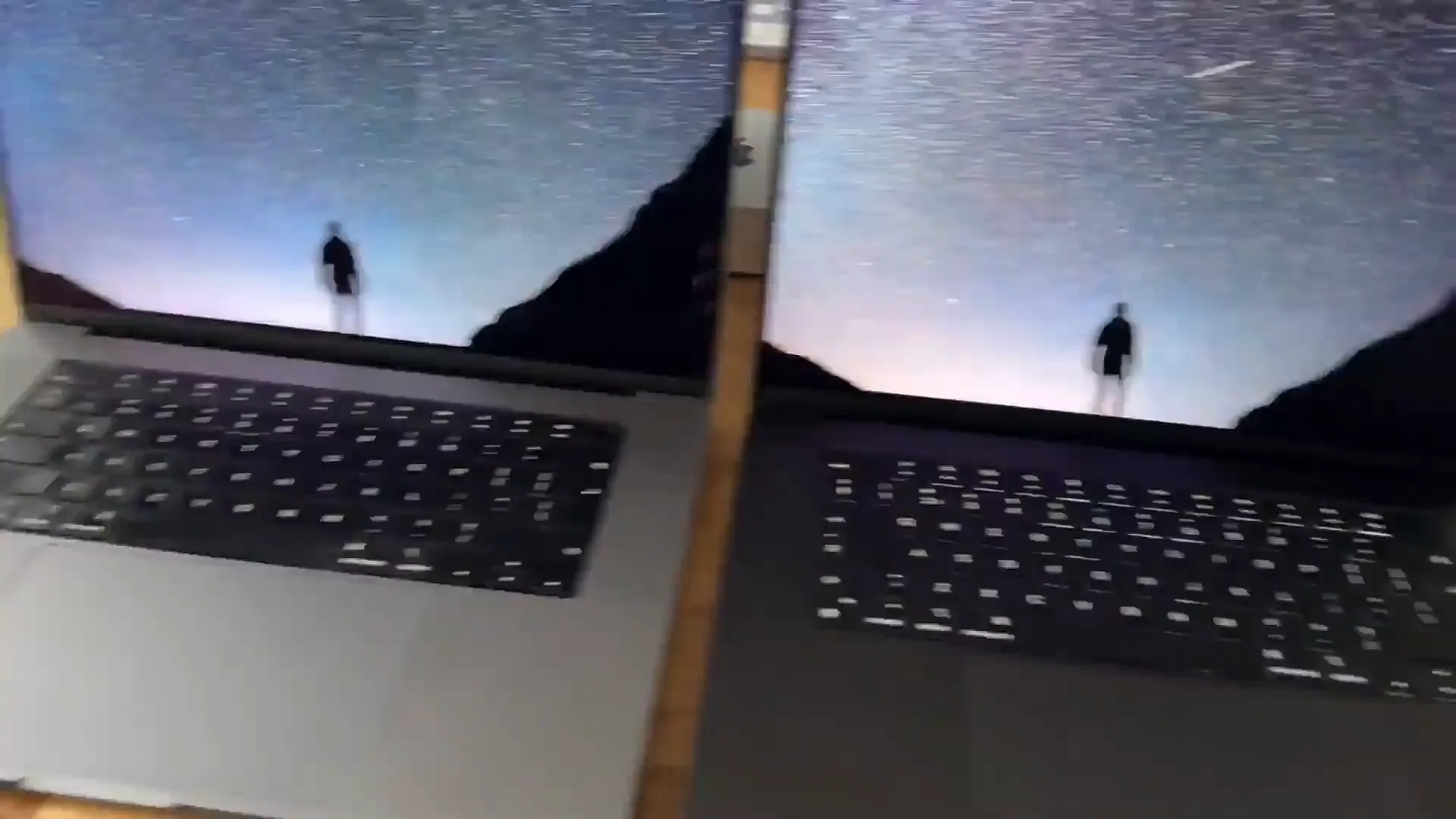
The dark parts of the screen are the giveaway. On the standard display, deep blacks turn into mirrors. On the nano-texture, they stay black.
The harsh light test
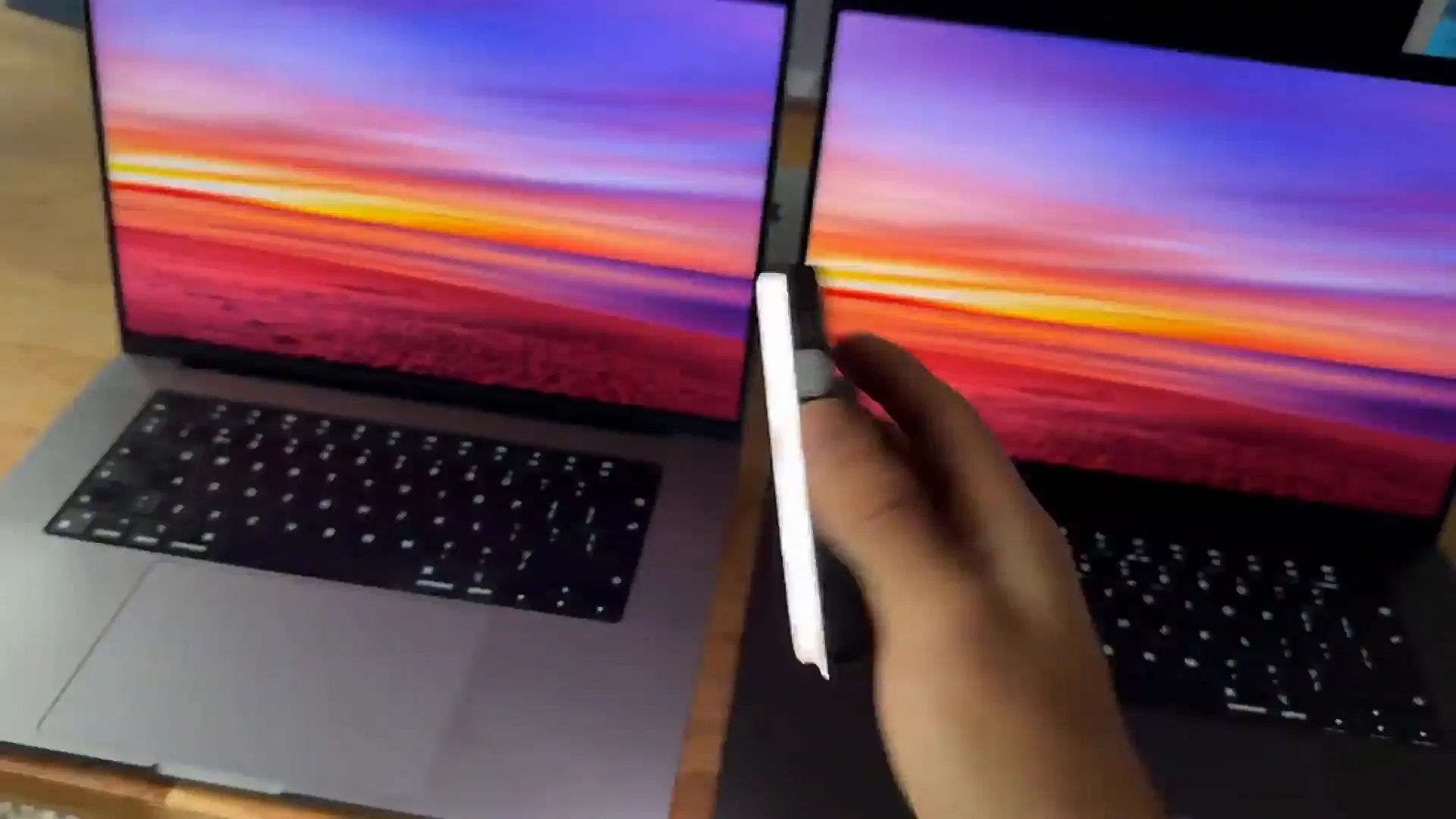
Daylight is one thing. But what about harsh, direct lighting? We used a portable light panel to blast the screens with different color temperatures. The results were pretty wild.
On the standard display, you see the light panel perfectly reflected. It's sharp and distracting. On the nano-texture model, the light gets diffused. It's soft and distributed across the surface.
How it handles color temps
- We set the light to a standard white. The glossy screen reflects it like a flashlight
- We warmed up the light temperature. The nano-texture disperses the warm glow softly
- We switched to a cool blue light. Even with this intensity, the nano-texture display keeps the glare soft and unshaped
Pro tip: If you work in an office with overhead fluorescent lights, this diffusion effect is a game changer. You won't see the light bulbs reflecting on your code or artwork.
So, is it worth the upgrade?
After testing both, it's clear the nano-texture display significantly reduces glare. But should you pay extra for it? Here is my take on who actually needs this.
Who should buy it
- Photographers and Digital Artists: If you work outdoors or travel often, you can't control your lighting. This screen saves you from fighting reflections
- Graphic Designers: The matte finish provides a better representation of actual colors without environmental reflections interfering
- Coders: If you stare at text for hours, the reduction in eye strain is noticeable. The soft diffusion is much easier on the eyes during long sessions
The verdict
The glare reduction is significant. If you fall into one of those creative or professional categories, the nano-texture display is absolutely worth the upgrade. It puts ease on your eyes and makes your work more accurate.
Check out the comparison shots again if you're on the fence. Seeing that reflection disappear is pretty convincing.
Last updated: Oct 14, 2026