
What's new in the iPad mini 7
It's finally here. After waiting more than three years, the updated iPad mini has arrived. Apple technically calls this the iPad mini (A17 Pro), and that name tells you a lot about what to expect. While it looks almost identical to the previous version on the outside, the internals have been completely overhauled.
We know the hardcore iPad mini fanbase has been anxious for this one. The big question is whether this is a worthy upgrade from the iPad mini 6, or if the changes are just too subtle. We've taken a close look to see what's actually changed.
Let's walk through the design tweaks, the major performance jump, and the one screen issue everyone was hoping Apple would fix.
Design and display updates
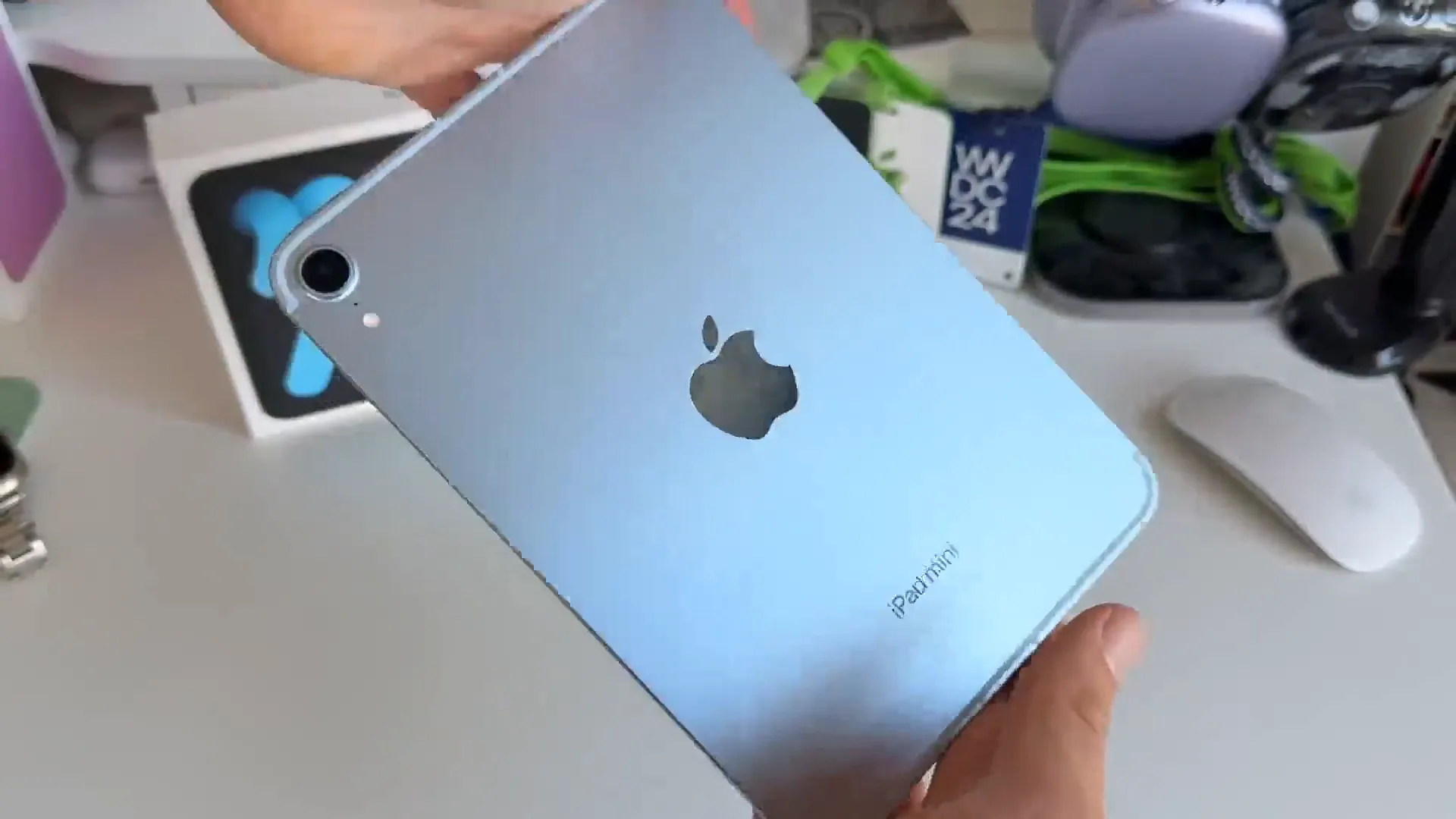
At first glance, you might not notice a difference. The chassis is largely the same, but there are a few key physical changes. You now get two new colors—a lighter Purple and Blue—replacing the old options. You'll also notice iPad mini is now engraved on the back of the device.
One practical change to note: the physical SIM tray is gone. If you're buying the cellular model, you're strictly using eSIM now.
The screen situation
Here's the good news and the bad news. The bad news is that we still have an 8.3-inch Liquid Retina display running at 60Hz. There's no ProMotion here, which feels like a miss in 2024. The bezels are still on the thicker side, too.
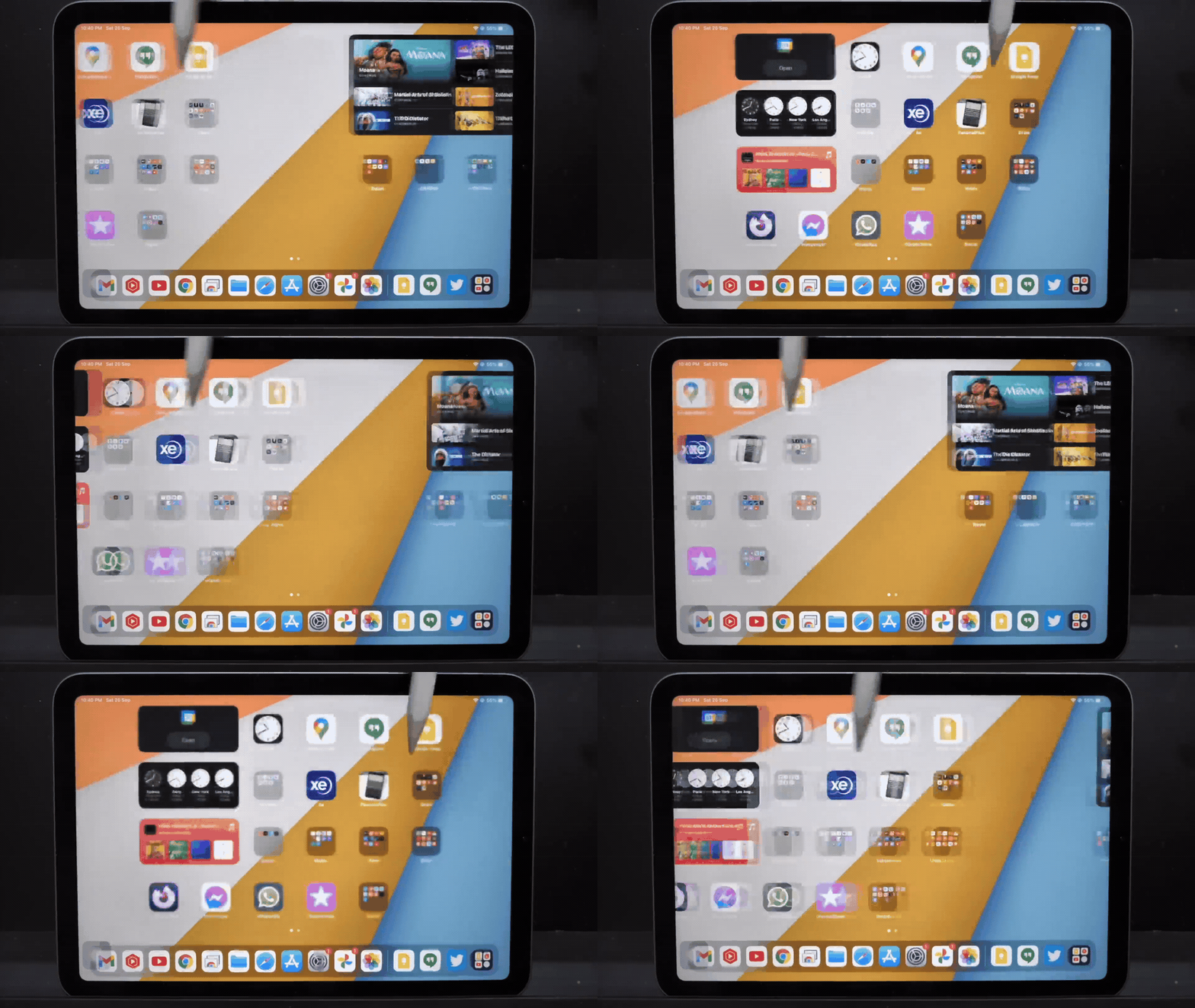
However, there is a massive improvement regarding the infamous "jelly scroll" issue.
- On the iPad mini 6, scrolling often looked wavy or uneven
- Hardware changes in the new model have effectively fixed this
- Scrolling is now smooth and consistent, making the device much more usable for reading and browsing
Performance and Apple Intelligence
This is the headline feature. Apple swapped the old A15 chip for the A17 Pro. This is a significant jump in power. Along with the new chip, the base memory has doubled from 4GB to 8GB of RAM.
Why does this matter? It makes the iPad mini fully compatible with Apple Intelligence. This device is now future-proofed for AI features that rely on that extra memory and processing power.
What this power unlocks
Beyond just raw speed, the A17 Pro brings some nice capabilities to the table:
- Hardware-accelerated ray tracing for better gaming performance
- Faster image processing for the updated Smart HDR 4 pipeline
- Seamless support for upcoming AI writing tools and Siri improvements
Apple Pencil Pro support
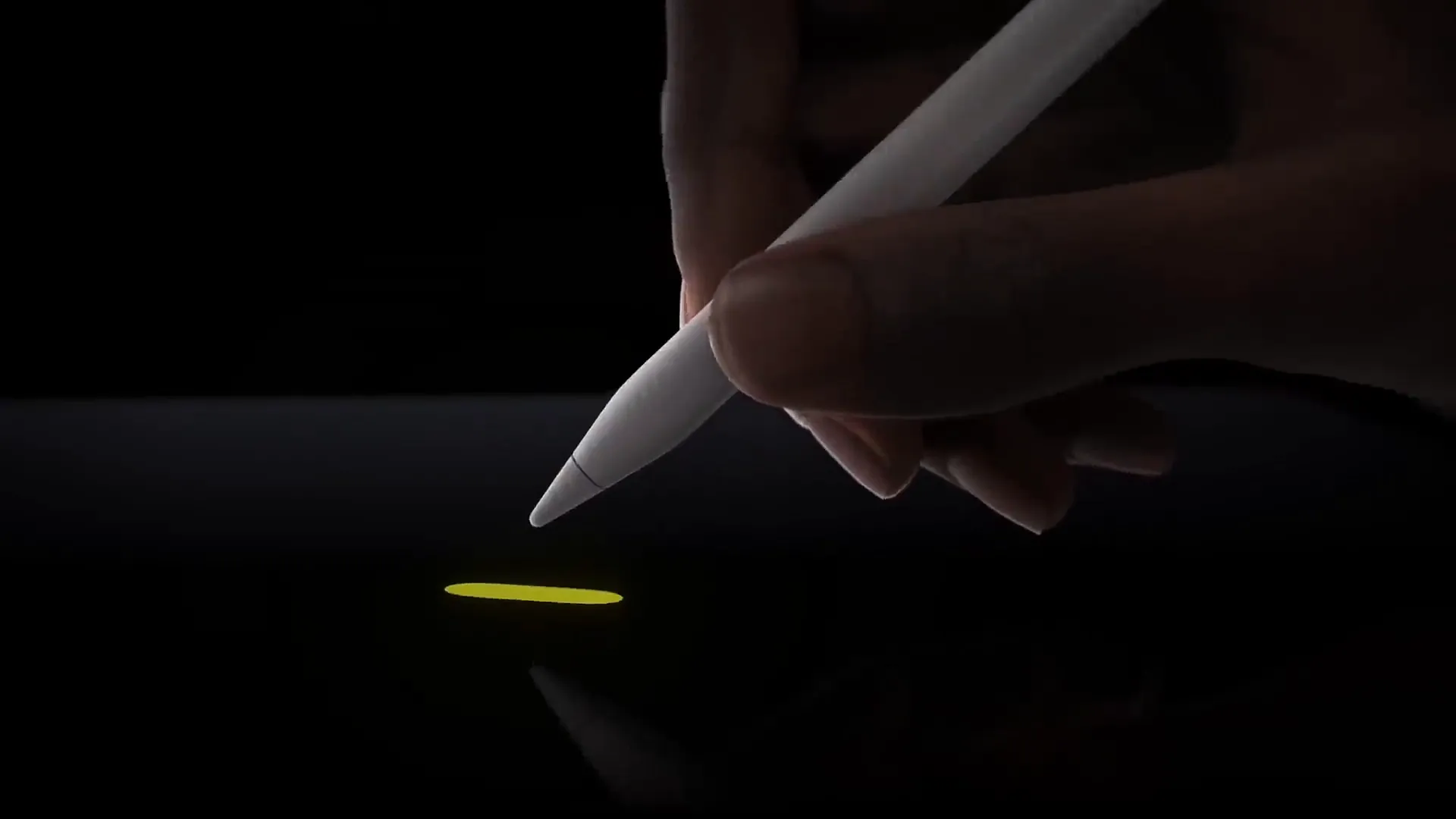
For the creatives out there, the iPad mini now supports the Apple Pencil Pro. This brings the mini in line with the iPad Air and Pro models.
You get access to all the modern gestures, including Squeeze to bring up palettes, Barrel Roll for brush control, and haptic feedback. If you use your mini as a sketchbook, this is a game changer.
A few more updates
There are a handful of other spec bumps that make day-to-day use better:
- Connectivity is faster with Wi-Fi 6E support
- Bluetooth 5.3 reduces latency and power consumption
- The USB-C port is now much faster, supporting speeds up to 10Gbps
- A new True Tone flash helps remove shadows when scanning documents
Price and storage
Apple kept the starting price at $499, but they fixed the biggest complaint from the last generation. The base model now starts at 128GB of storage instead of the cramped 64GB.
Pro tip: While 128GB is much better, spending the extra $100 for the 256GB model is usually the sweet spot for longevity if you plan to keep this tablet for years.
The verdict
Is it worth the upgrade? If you're coming from an iPad mini 6, the answer is actually yes. Between the A17 Pro chip, double the RAM, and the fix for jelly scrolling, this is a much more capable device.
While we would have loved to see FaceID or a 120Hz display, the upgrades we did get make this iPad mini future-proof and ready for the Apple Intelligence era.
Last updated: Oct 14, 2026