
MacBook Pro 14-inch vs 16-inch: How to decide
Choosing between the 14-inch and 16-inch MacBook Pro is one of the toughest decisions when upgrading your Mac. Is the extra screen real estate worth the extra weight? Does the bigger chassis actually mean better performance?
It turns out the differences go beyond just the display size. Here is a breakdown of how they compare in the real world to help you make the right call.
Connectivity and Ports
Let's get the easy part out of the way first. When it comes to connectivity, both machines are identical. You get the same input and output ports on both sides of the chassis, regardless of which size you choose.
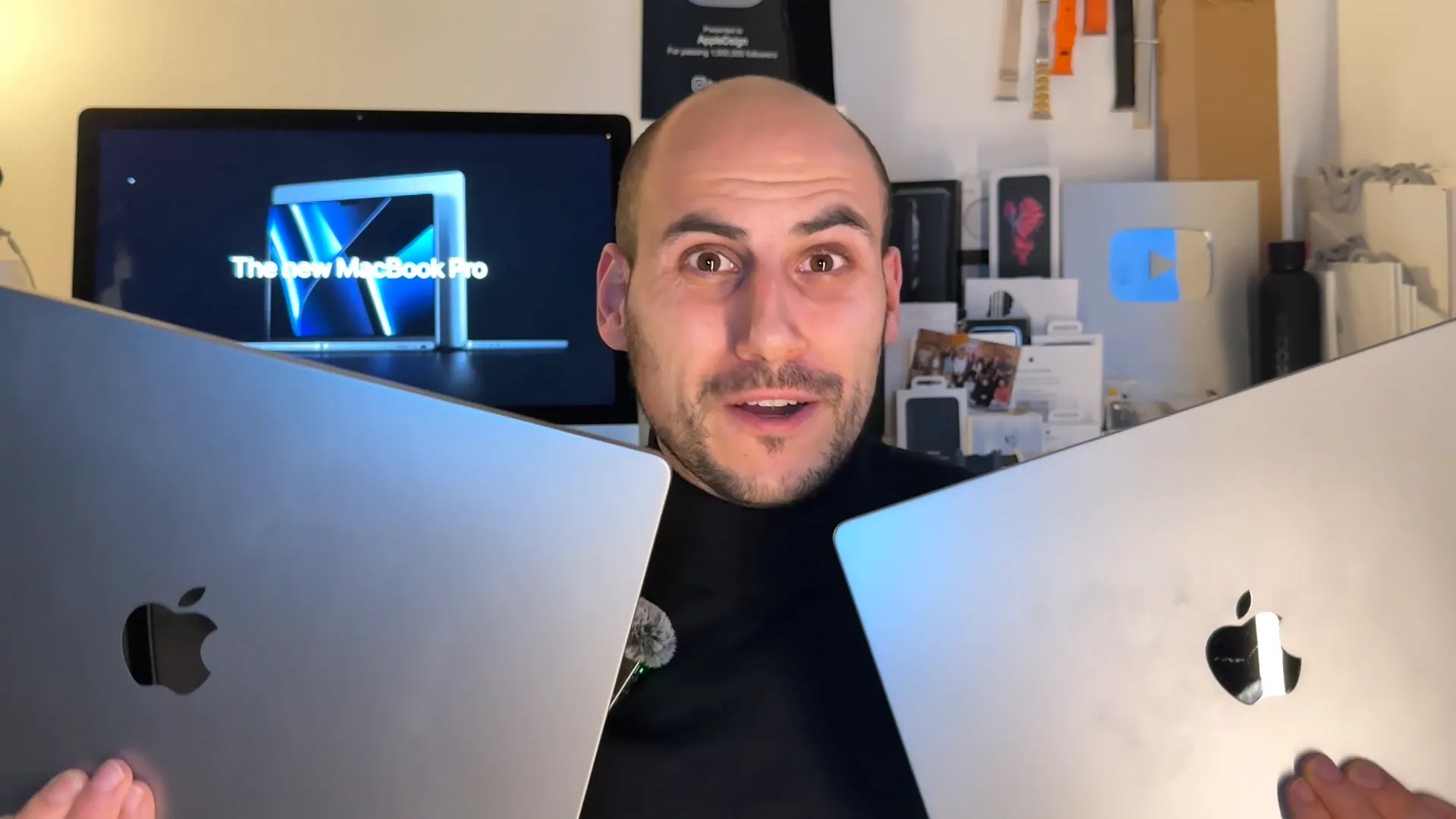
If your decision hinges on dongles or peripherals, you can safely ignore this factor. Both models have you covered equally.
Portability vs. Screen Real Estate
This is the most obvious differentiator, but it impacts your daily workflow more than you might think.
The 14-inch model is significantly lighter. If you are constantly moving between meetings, working from coffee shops, or traveling, the 14-inch form factor is ideal. It fits easily in bags and doesn't feel like a burden to carry.
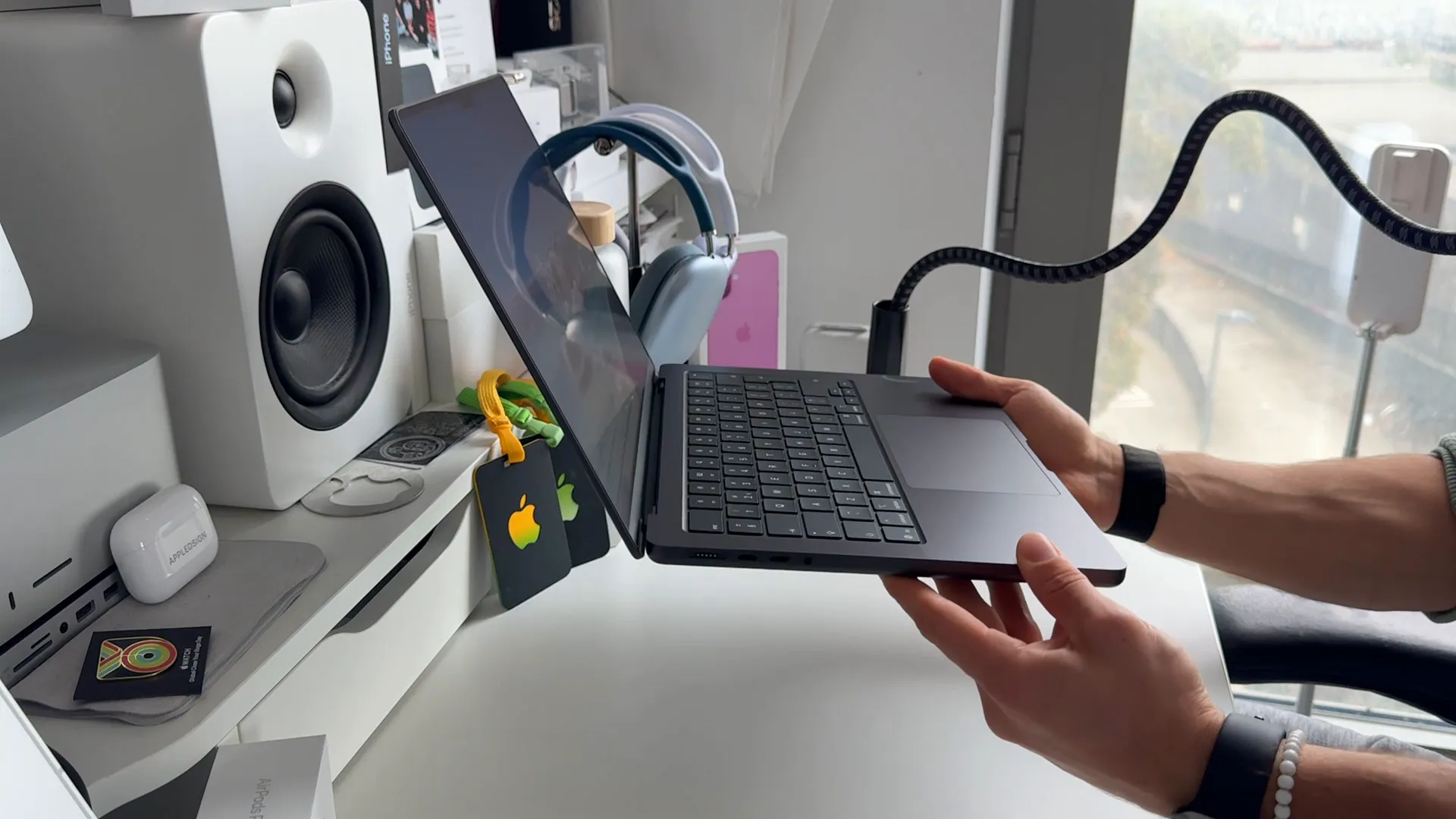
The 16-inch model, on the other hand, is heavy. It really feels like a stationary machine that you occasionally move, rather than a true portable laptop. However, that trade-off gets you a massive canvas. If you work with multiple windows side-by-side, the 16-inch display is a productivity beast. On the 14-inch, you might find yourself feeling a bit cramped when trying to multitask heavily.
Both screens use the same Liquid Retina XDR technology with ProMotion (120Hz refresh rate), so the quality is stunning on both—it really just comes down to how much physical space you need versus how much weight you want to carry.
Performance and Thermals
While they share the same processor options, the physics of the chassis size plays a huge role in sustained performance.
The 16-inch chassis allows for a superior thermal system with larger fans. This means it can sustain high performance for longer without throttling. In day-to-day use, the fans on the 16-inch are also noticeably quieter.
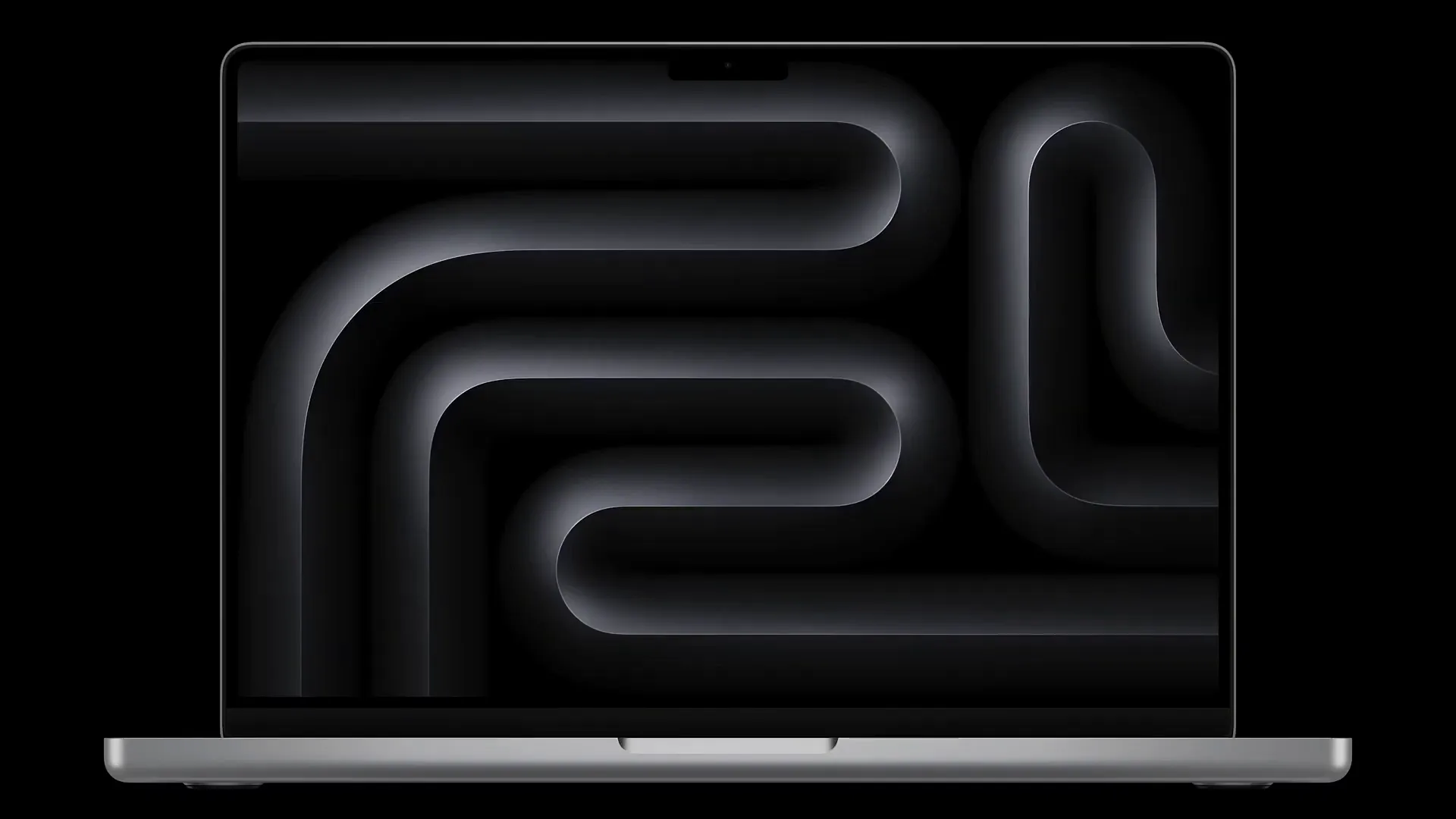
The 14-inch generally runs hotter and its fans have to spin faster (and louder) to keep up during intense workloads. If you are pushing your machine to the limit with 3D rendering or heavy video exports, the 16-inch handles the heat much better.
Audio and Battery Life
Because of its larger footprint, the 16-inch MacBook Pro houses physically larger speakers. The sound stage is wider and the bass is deeper compared to the 14-inch. The 14-inch still sounds great, but the 16-inch is in a league of its own for laptop audio.
More importantly, the bigger chassis fits a bigger battery. You can expect significantly longer battery life on the 16-inch model, especially if you are opting for the power-hungry Max chips.
Which Chip Configuration Should You Buy?
This is where the value proposition gets tricky. The chassis size you pick should probably dictate which chip you put inside it. Here is the recommended approach for the current lineup (M4 generation):
1. The 14-inch "Sweet Spot" (M4 Pro)
The 14-inch model with the Pro chip is arguably the best value for most people. It balances power, portability, and battery life perfectly. It's the ideal travel companion that can still chew through pro workflows.
2. The 14-inch Entry Level (Base M4)
If you are a student or just starting out and want the "Pro" features (like the screen and ports) without the high price tag, the base M-chip 14-inch is a great entry point.
3. The 16-inch Powerhouse (M4 Max)
If you need the Max chip, you should really get the 16-inch. Putting a Max chip in a 14-inch body often leads to diminishing returns due to thermal constraints and reduced battery life. The 16-inch chassis lets the Max chip breathe and perform at its full potential.
4. The 16-inch "Big Screen" (M4 Pro)
If you just want the big screen and amazing battery life but don't render 8K video all day, grabbing the 16-inch with the mid-tier Pro chip is a smart move. You save money while getting the best display and battery experience.
The Verdict
If your priority is a static desk setup with maximum screen real estate and the highest possible performance ceiling, go for the 16-inch.
If you value mobility and want a machine that disappears into your backpack while still being powerful enough for 90% of pro tasks, the 14-inch with the Pro chip is the one to beat.
Last updated: Oct 14, 2026