
10 iPhone travel hacks you need to know
Your iPhone is arguably the best travel companion you have. It's not just for photos and maps. There are so many hidden features and clever tricks that can make your trip smoother, safer, and a lot less stressful.
Whether you're flying across the ocean or taking a train to the next city, knowing how to use your device properly changes the game. We're talking about avoiding baggage fees, watching movies hands-free, and communicating in languages you don't speak.
In this post, we're breaking down 10 amazing travel hacks. Some are built-in features you might have missed, and others are physical tricks that will save your neck during a long flight. Let's dive in.
Master your boarding passes
First things first. Stop fumbling through your email inbox at the security gate. The number one rule of travel is to get your tickets and boarding passes into Apple Wallet immediately.
This gives you instant access right from your Lock Screen. Plus, if you have an Apple Watch, you can breeze through gates just by tapping your wrist. But technology sometimes glitches, so here is a pro strategy to make sure you're never stuck.
The fail-safe method
- Add your ticket to Apple Wallet for quick access
- Take a screenshot of the QR code just in case
- Save the original PDF to your Files app
- Add that PDF to your Favorites folder for immediate access offline
This way, even if the app crashes or you have zero signal, you have two backups ready to go.
Smarter luggage management
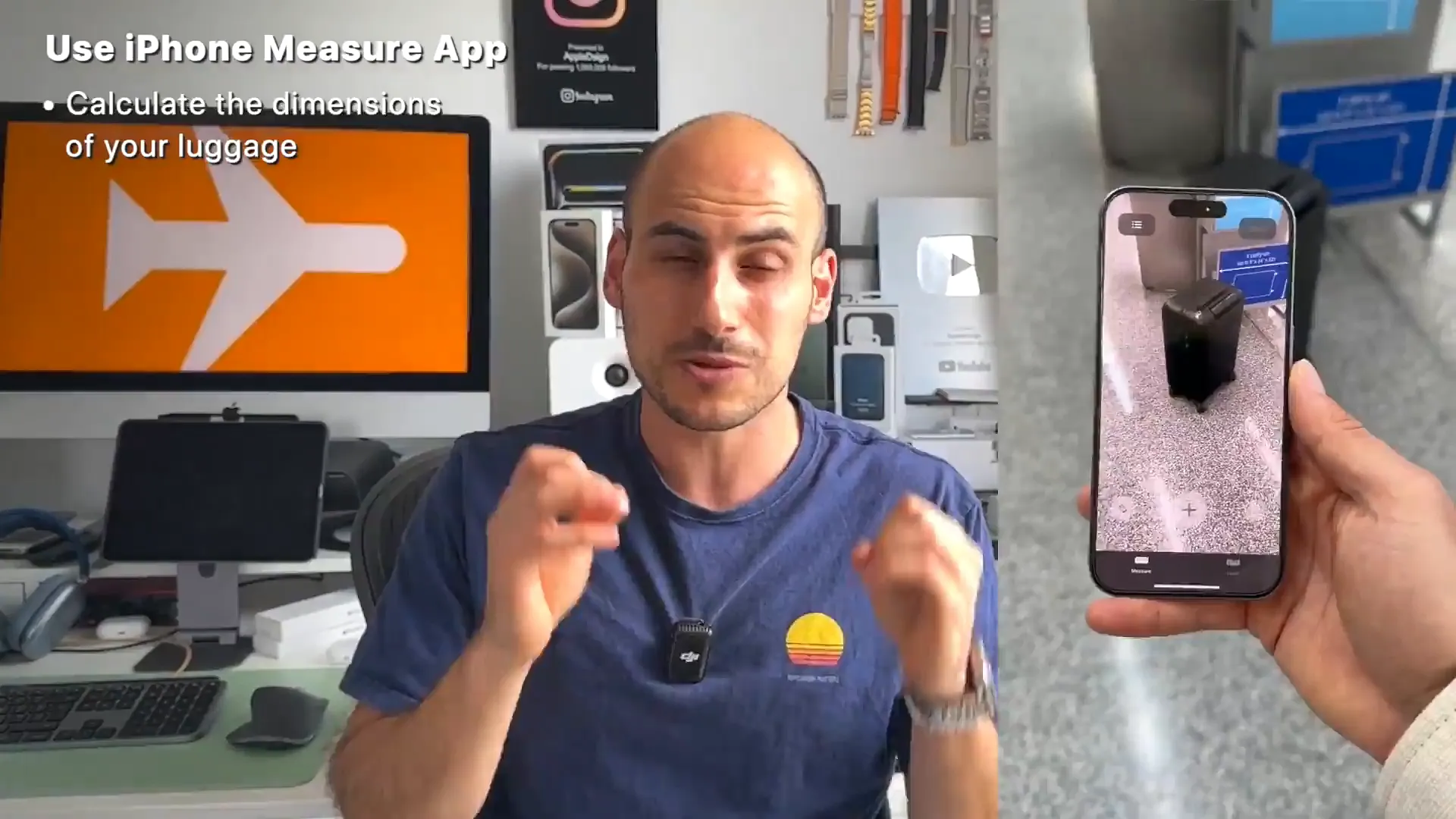
Airlines are getting stricter with carry-on sizes. You don't want to be that person forced to check a bag at the gate because it's an inch too thick. Your iPhone has a built-in tool to help you avoid this.
How to check your bag size
- Open the Measure app (it comes pre-installed)
- Point your camera at your suitcase
- Tap the dots to measure the height, width, and depth
- Compare those numbers to your airline's policy online
Speaking of luggage, don't rely on luck. Accidents happen, and bags get lost. We highly recommend tossing an AirTag into every checked bag and backpack. It saves so much stress when you can see exactly where your gear is, rather than just hoping it made the connection.
The viral airplane mount hack
Holding your phone for a three-hour movie is a pain. And airplane trays are usually too low for comfortable viewing. There's a viral hack floating around that actually works incredibly well, assuming you have a phone case.
You use the paper sickness bag (the vomit bag) located in the seat pocket in front of you. Here is how to turn it into a phone mount:
- Take your phone case off your phone
- Place the paper bag inside the case, letting the rest of the bag hang out
- Snap your phone back into the case, locking the bag in place
- Open the tray table latch in front of you
- Slide the top of the paper bag into the latch and close it
Your phone now hangs at eye level. It's completely hands-free, and you don't need to buy any special accessories. Just remember to download your movies and shows on Netflix or Apple TV+ before you board to save data.
Analog backups for your digital life
We rely on Apple Pay for everything, but travel can be unpredictable. Sometimes card readers break, or you need cash for a taxi in a pinch. Your phone case is great for storing more than just your phone.
Two things to hide in your case
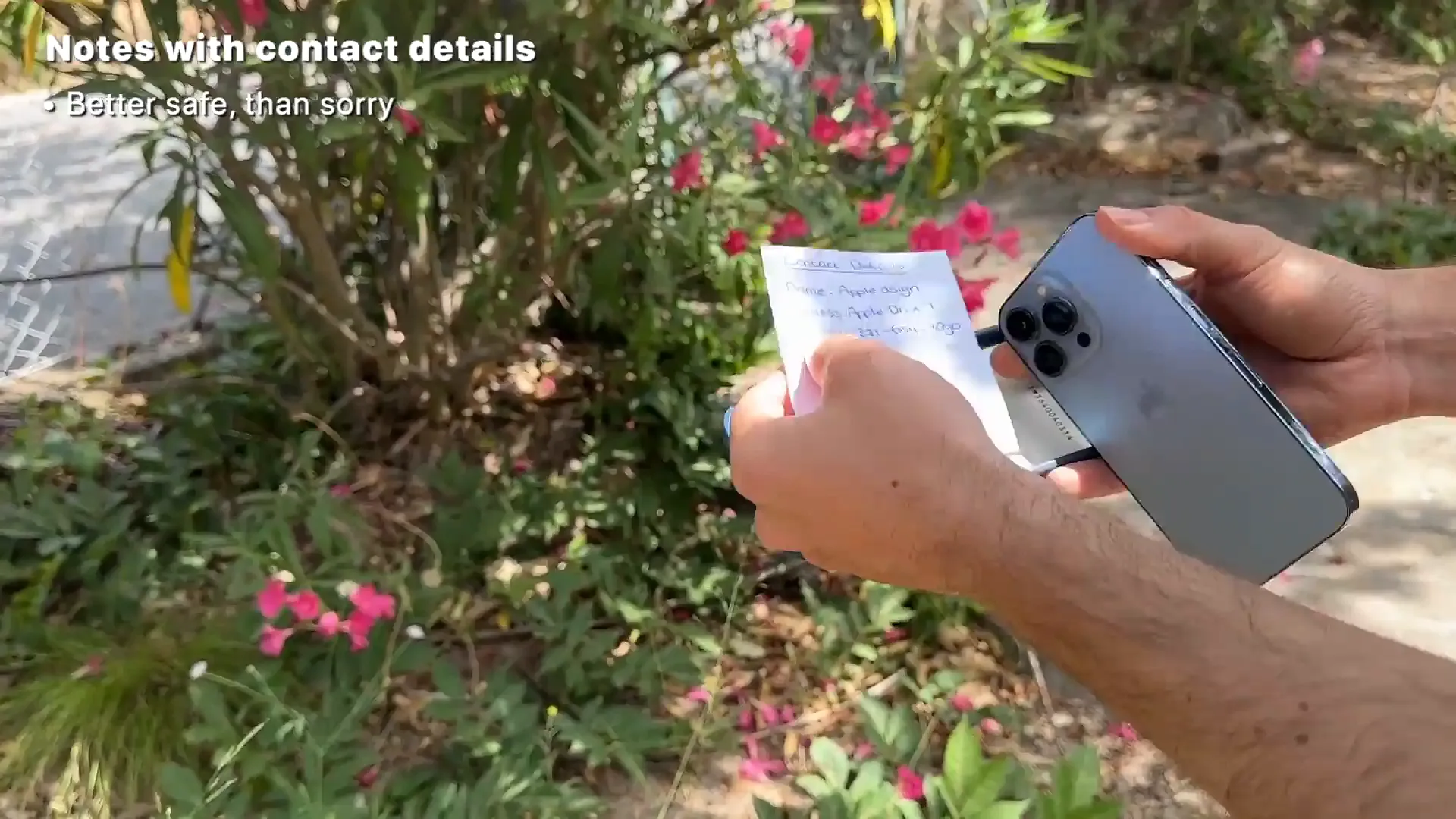
- Emergency Cash: Slip a bill or two between your phone and the case. If you lose your wallet or tech fails, you have money for a ride home.
- Contact Note: Write down your email or a friend's phone number on a small piece of paper and put it in there too. If a good Samaritan finds your lost phone, they might pop the case off and find a way to contact you even if the battery is dead.
Communicate like a pro
Keeping people updated on your travel status used to be annoying. Now, iOS makes it incredibly easy. If someone is picking you up, just text them your flight number (e.g., "UA123") in Messages.
They can tap on that number to see a real-time preview of your flight, including delays and arrival times. You can also long-press the number yourself to quickly check your own gate info without opening the airline app.
Breaking the language barrier
If you're traveling internationally and have an iPhone 15 Pro or newer, you should absolutely re-map your Action Button to the Translate app. This turns your phone into a real-time translator.
- Go to Settings and find the Action Button menu
- Swipe until you select Translate
- When you need to talk, just hold the button
- Speak, and your phone will speak the translation out loud
It handles conversations fluidly, so you can order coffee or ask for directions without the awkward fumbling.
Safe travels
Travel is stressful enough without fighting your technology. Take a few minutes before your next trip to set these up. Download your maps, load your wallet, hide that emergency cash, and map that Action Button. You'll thank yourself later.
Last updated: Oct 14, 2026