
Choosing the right M4 Mac configuration
It's getting harder to decide which Mac to buy. You have the M4, M4 Pro, and M4 Max. Eventually, we'll see the M4 Ultra. Then you have to figure out the configuration and the chip architecture. There are a lot of possibilities here.
The real challenge isn't just picking a chip. It's matching that chip with the right amount of Unified Memory for your specific workflow. Whether you're browsing the web or training AI models, getting this balance right is key to future-proofing your machine.
In this guide, we'll break down how to approach these new chips. We will look at which chip pairs best with which memory configuration, and help you figure out exactly what you need based on the work you do every day.
The chip lineup
Before talking about memory, you need to know where you stand with the processors. Here is the quick breakdown of the hierarchy:
- Base M4: Perfect for everyday tasks, simple admin, and communication
- M4 Pro: The sweet spot for graphic designers, video editors, and coders
- M4 Max: For 3D rendering, 8K video editing, and complex data structures
- M4 Ultra: The upcoming top tier for extreme power users and engineers

The basics: 16GB to 24GB
Good news for everyone: The base Unified Memory is now 16GB. This is largely to support Apple Intelligence features, but it's a huge win for general performance. This tier is tied to the Base M4 chip.
Who this is for:
- Everyday web browsing and watching YouTube
- Administrative work, typing documents, and marketing
- Creating Keynotes and basic presentations
If you need a little more headroom for light video editing or light coding, you can bump the Base M4 up to 24GB. This gives you a bit more breathing room without jumping to the Pro price point.
The creative standard: 32GB to 48GB
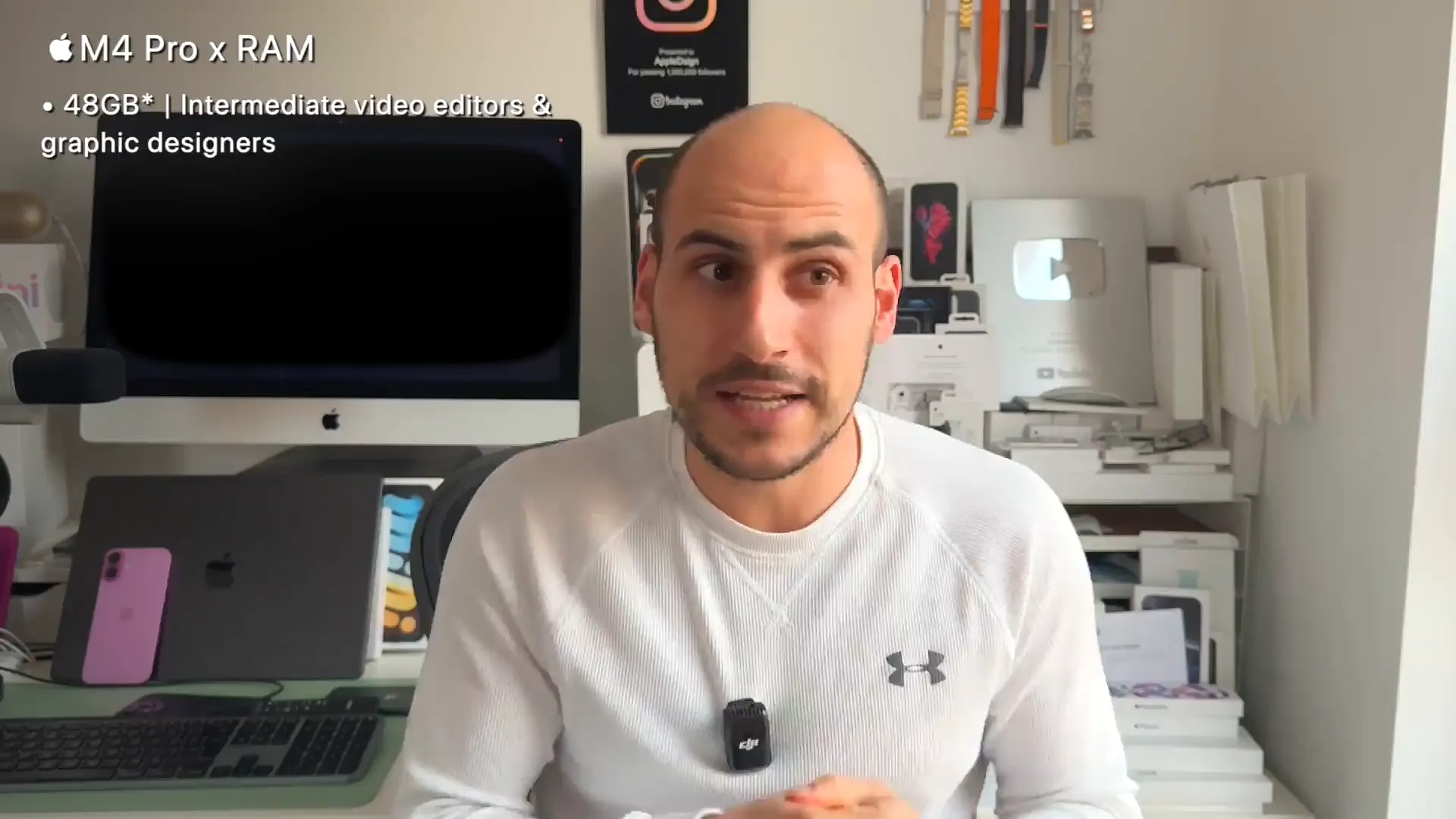
This is where we enter the M4 Pro territory. If you find yourself with a lot of browser tabs open while running creative software, this is where you should start looking. You can get the Base M4 with 32GB, but the M4 Pro is usually the better pairing here.
32GB is great for:
- Intermediate video editors
- Graphic designers working with multiple Adobe apps
- Heavier multitasking workflows
If you want to take it a step further, the M4 Pro offers a 48GB option. This is ideal if you are getting more serious about video editing or graphic intense work and want to ensure you don't hit a bottleneck.
High performance: 64GB to 128GB
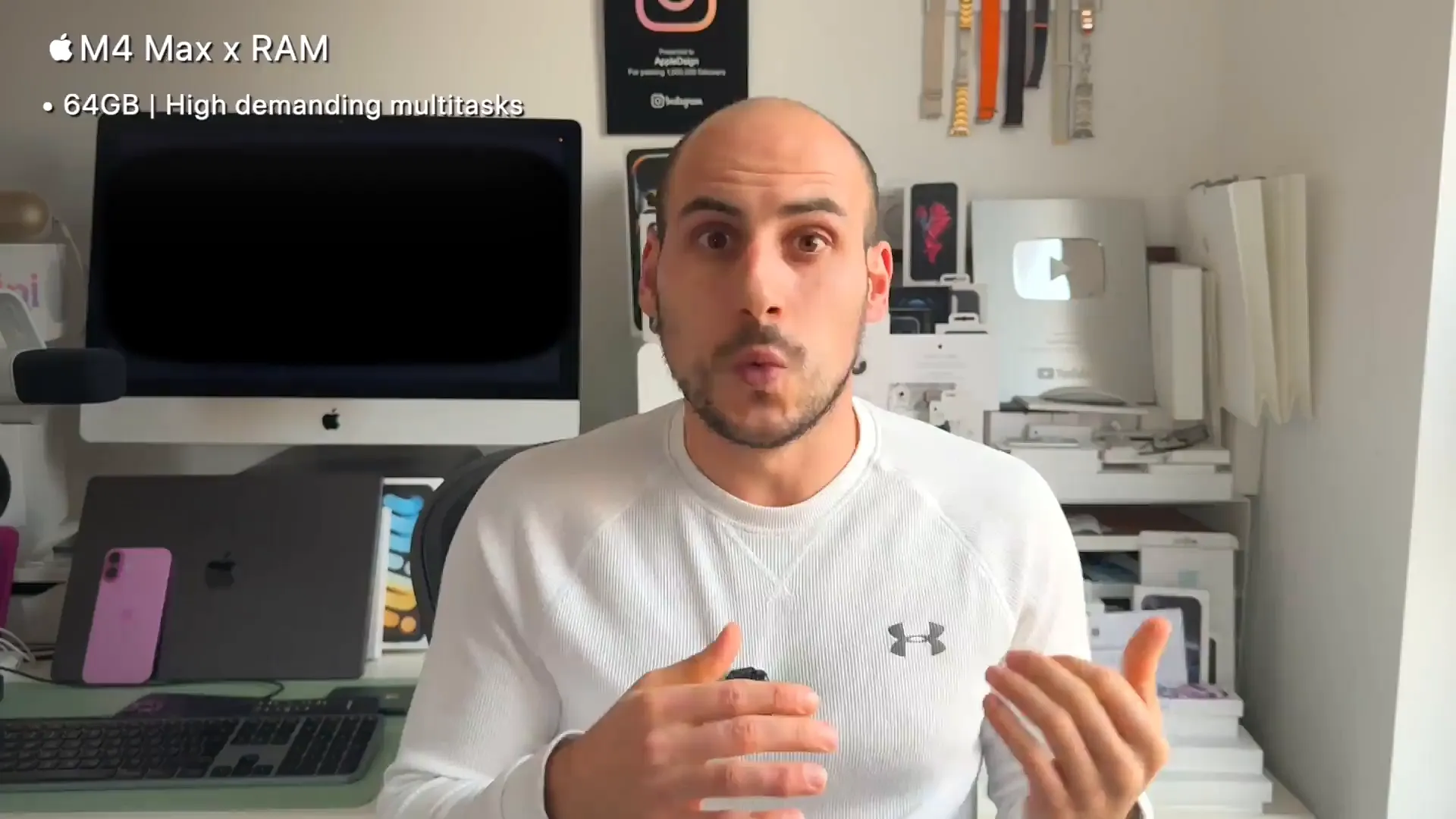
Now we are talking about the M4 Max. This is for professionals who can't afford slowdowns. If you are doing 3D rendering or working with complex data structures, 64GB is your recommended starting point.
What this unlocks for you:
- Managing high-resolution multitasks
- Running Final Cut or DaVinci Resolve with multiple 4K layers
- Running Photoshop and browsers simultaneously without lag
For the specialists—film editors working with 8K footage or data scientists—you can push this to 96GB or even 128GB. If you are editing multiple streams of 8K video or doing advanced scientific analysis, this extra memory is vital.
Mission critical: 192GB and up
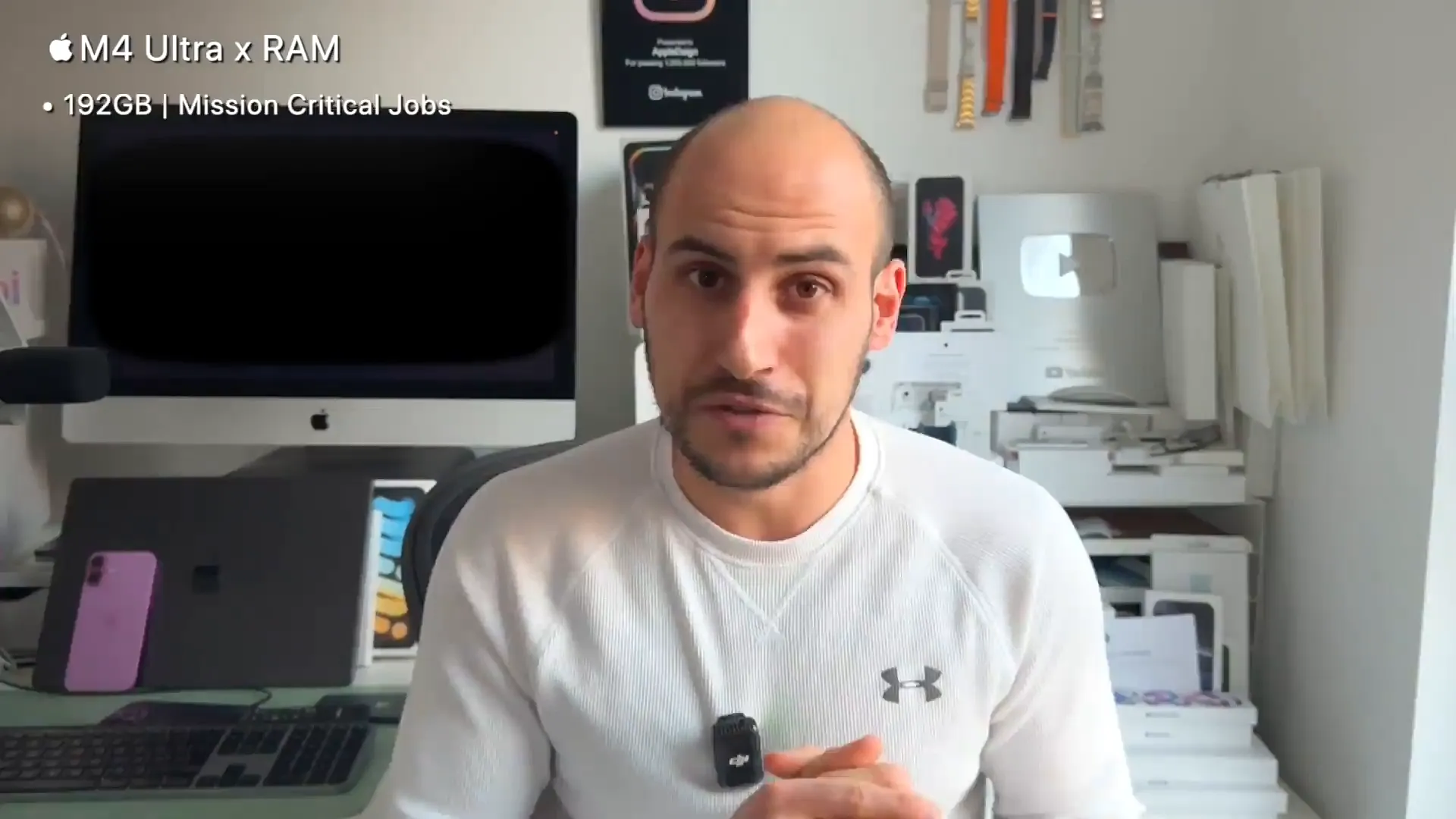
This tier is for the M4 Ultra user. While the chip isn't out yet, we expect it to support massive memory configurations, starting around 192GB and potentially going up to 256GB.
This is for the extreme end of the spectrum. We're talking about mission-critical jobs, massive AI development, server-side development, and high-res visual effects for cinema. If you work with the biggest datasets imaginable, this is the tier you'll be waiting for.
Over to you
There are a lot of configurations, but it really comes down to what you do daily. Don't overspend on RAM you won't use, but make sure you have enough to cover your workflow for the next few years. 16GB is a great new baseline, but for creative professionals, the M4 Pro and M4 Max tiers offer the headroom you'll likely need.
Last updated: Oct 14, 2026