
The official WhatsApp app on Apple Watch
It’s finally here. After years of waiting and relying on clunky workarounds, WhatsApp has officially landed on the Apple Watch. It’s a fully native app, not just a notification mirror. For many of us, this is the missing piece that makes the Apple Watch a true standalone communication device
This isn’t a stripped-down version, either. You can browse your chat lists, send messages, and even view photos right from your wrist. If you’ve been holding out on getting an Apple Watch because you couldn’t properly use WhatsApp on it, this might be the dealbreaker you were waiting for
I’ve been testing it for a few weeks now, and honestly, I’m impressed. In this post, I’ll walk you through how to get it installed—because there are some specific requirements—and show you exactly what it can (and can’t) do right now.
Getting set up
Before you rush to the App Store, we need to check a few boxes. This app doesn't work on just any Apple Watch setup. You need to be running specific software to see it.
What you'll need
- watchOS 10 or newer installed on your watch
- Apple Watch Series 4 or a newer model
- The latest version of WhatsApp installed on your iPhone
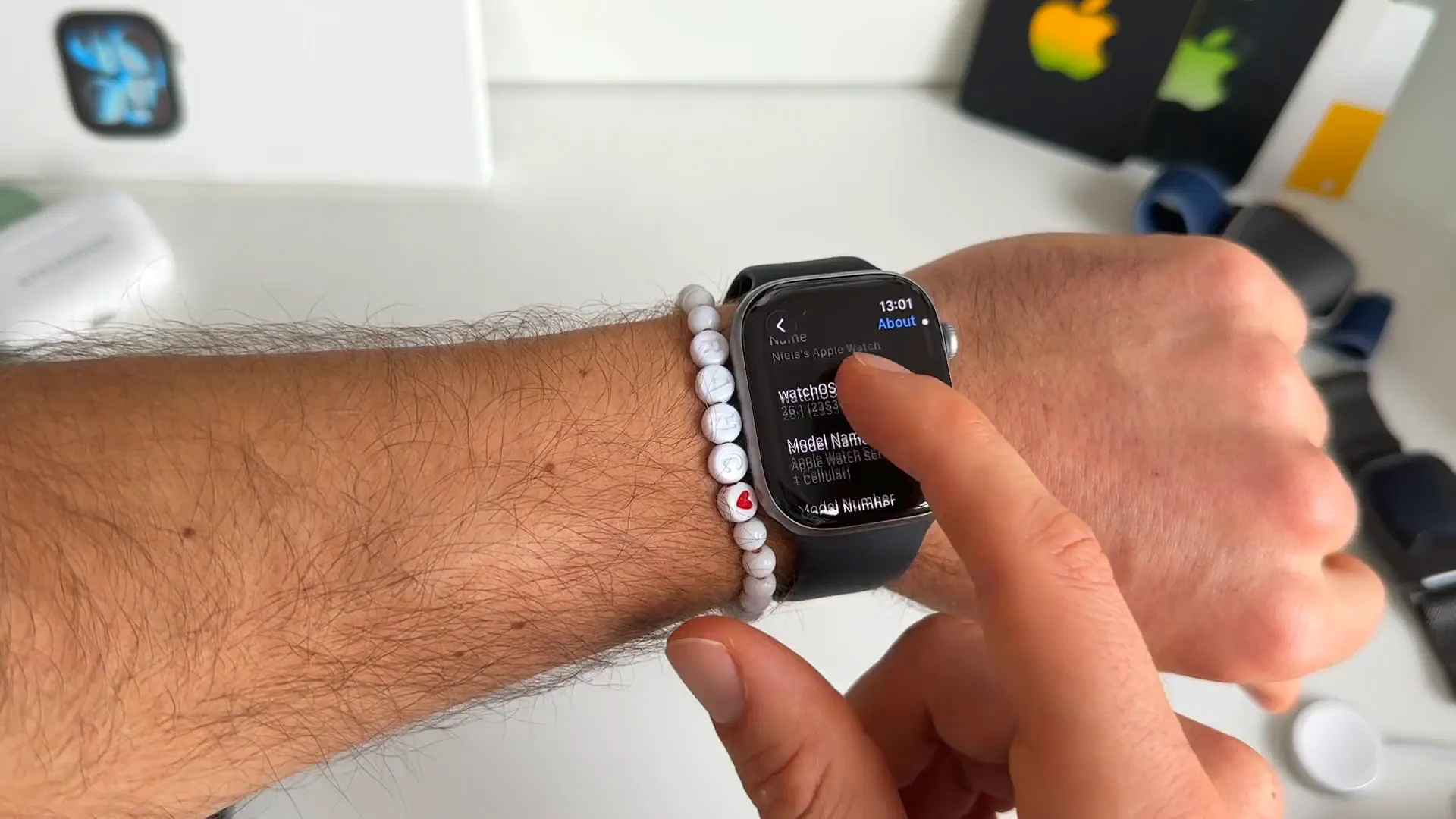
You can check your version by going to Settings > General > About on your watch. If you're on an older version, you'll need to update first.
How to install it
Once your software is ready, getting the app is straightforward, but you need to be careful about which app you download.
- Open the App Store on your Apple Watch
- Search for "WhatsApp"
- Scroll past the clones and third-party apps. Look for WhatsApp Messenger specifically
- Scroll down to verify the developer is WhatsApp Inc. to be sure
- Tap Get to install it
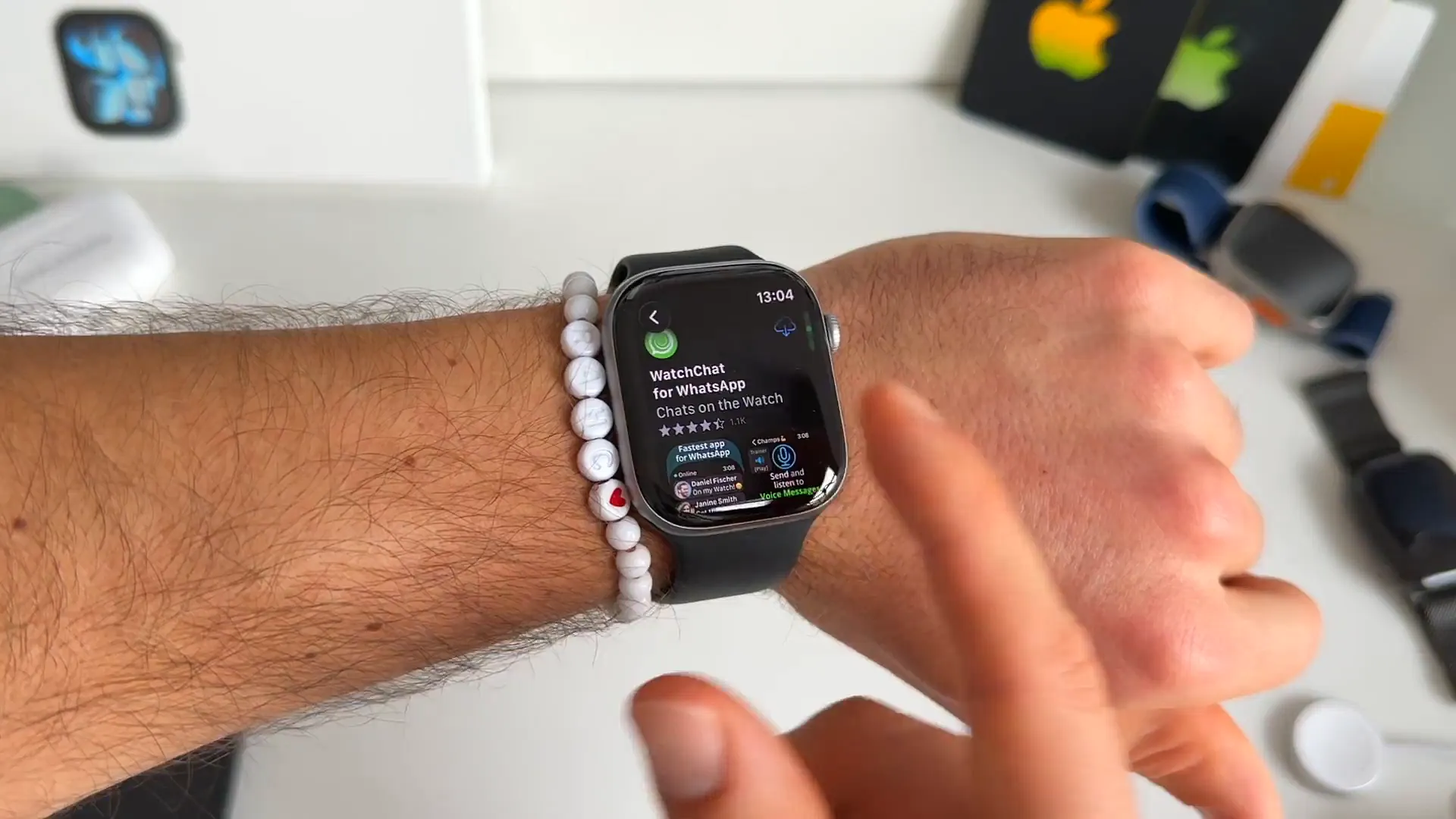
Pro tip: There are a lot of "WatchChat" style clone apps that used to be the only option. You don't need those anymore. The official app is free and works much better.
Full chat history on your wrist
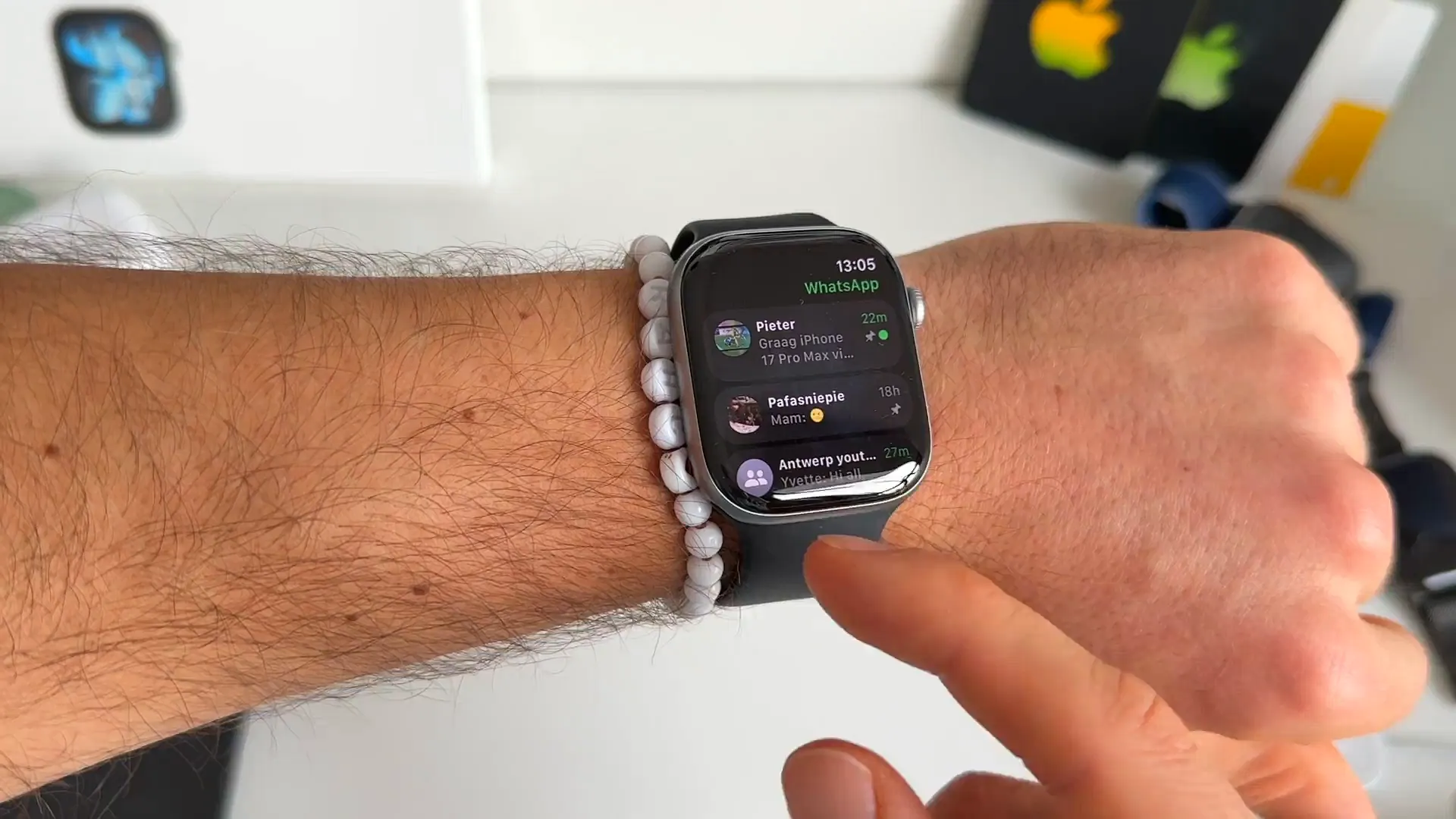
The first thing you'll notice is that this isn't just for new messages. You get an overview of all your recent chats, just like on your phone. You can tap into any conversation and scroll through the history to get context.
Ways to reply
WhatsApp gives you a few different ways to respond, depending on how much you need to say:
- Voice-to-text: Just speak, and it transcribes for you automatically
- Keyboard: Use the full QWERTY keyboard (on Series 7 and later) to type or swipe
- Scribble: Draw letters on the screen if you prefer the old-school way
- Suggestions: Scroll down to pick quick answers like "Yes", "No", or "On my way"
Sending voice messages
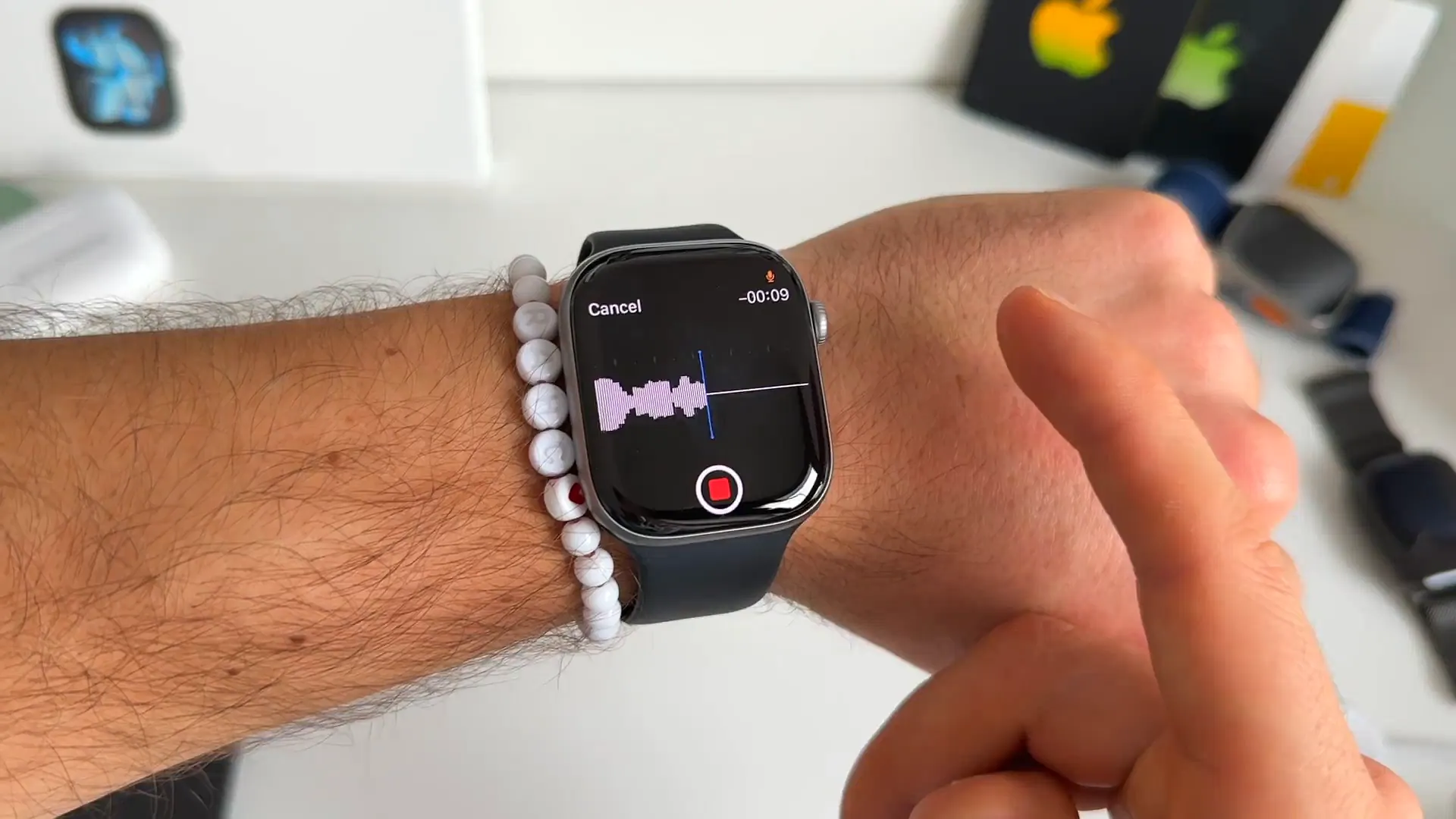
This is probably my favorite feature. You can record and send voice messages directly from the watch. It feels incredibly futuristic—like something out of a spy movie—and it's often way faster than typing on a tiny screen.
There is one catch right now: voice messages are capped at 10 seconds. If you talk longer than that, the recording cuts off. It's a bit of a weird limitation, but for quick updates, it's plenty.
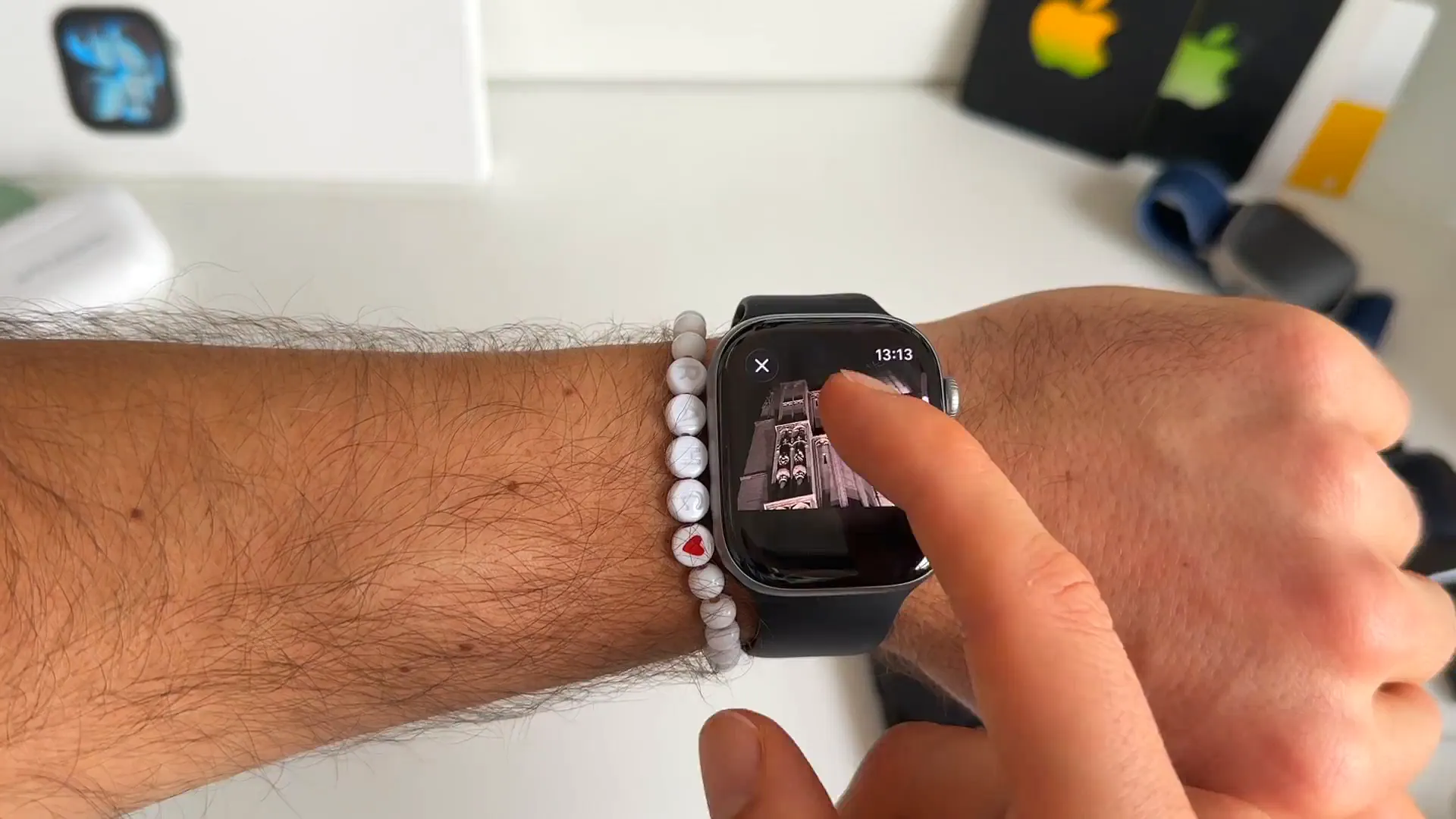
Photos and stickers look great
One of the biggest upgrades over the old notification system is how media is handled. When someone sends you a photo, it’s not a blurry mess anymore. You get a crisp, high-quality image that you can actually see.
Stickers work perfectly too. They load in high quality, and you can even reply with your own stickers or emojis by hitting the reaction button.
What about videos and calls?
It’s not all perfect yet. There are still a few things the watch app can't handle:
- Videos: You'll see a blurry thumbnail, but if you tap it, you get an "Unsupported" message. You still need your phone for these
- Answering Calls: You get notifications for incoming voice and video calls, which is great, but you can only Decline them. You can't accept the call on the watch itself yet
That's a wrap
Even with the 10-second voice limit and the lack of call answering, this update is huge. Having native access to your chats, clear photos, and quick replies makes the Apple Watch so much more useful for daily communication.
Go give it a try. It’s a free download, and it completely changes how you use WhatsApp on the go.
Last updated: Oct 14, 2026