
What's new in Simply Piano for Apple Vision Pro
Learning an instrument usually involves staring at a book or propping up a tablet on your music stand. But the new Simply Piano experience for Apple Vision Pro changes the game entirely. It transforms your living room into a practice studio, or even a concert hall.
It takes the gamified learning you're used to and overlays it directly onto the real world. Sheet music floats in the air. Keys light up under your fingers. And when you nail a song, you aren't just sitting in your room anymore—you're performing for a virtual audience.
Let's walk through the setup process and look at the immersive features that make this one of the coolest ways to learn piano right now
Getting set up
When you first launch the app, you have two choices: use a Virtual Piano on a flat surface (like a table), or map it to a Real Piano. If you have a digital or acoustic piano, the mapping is surprisingly intuitive.
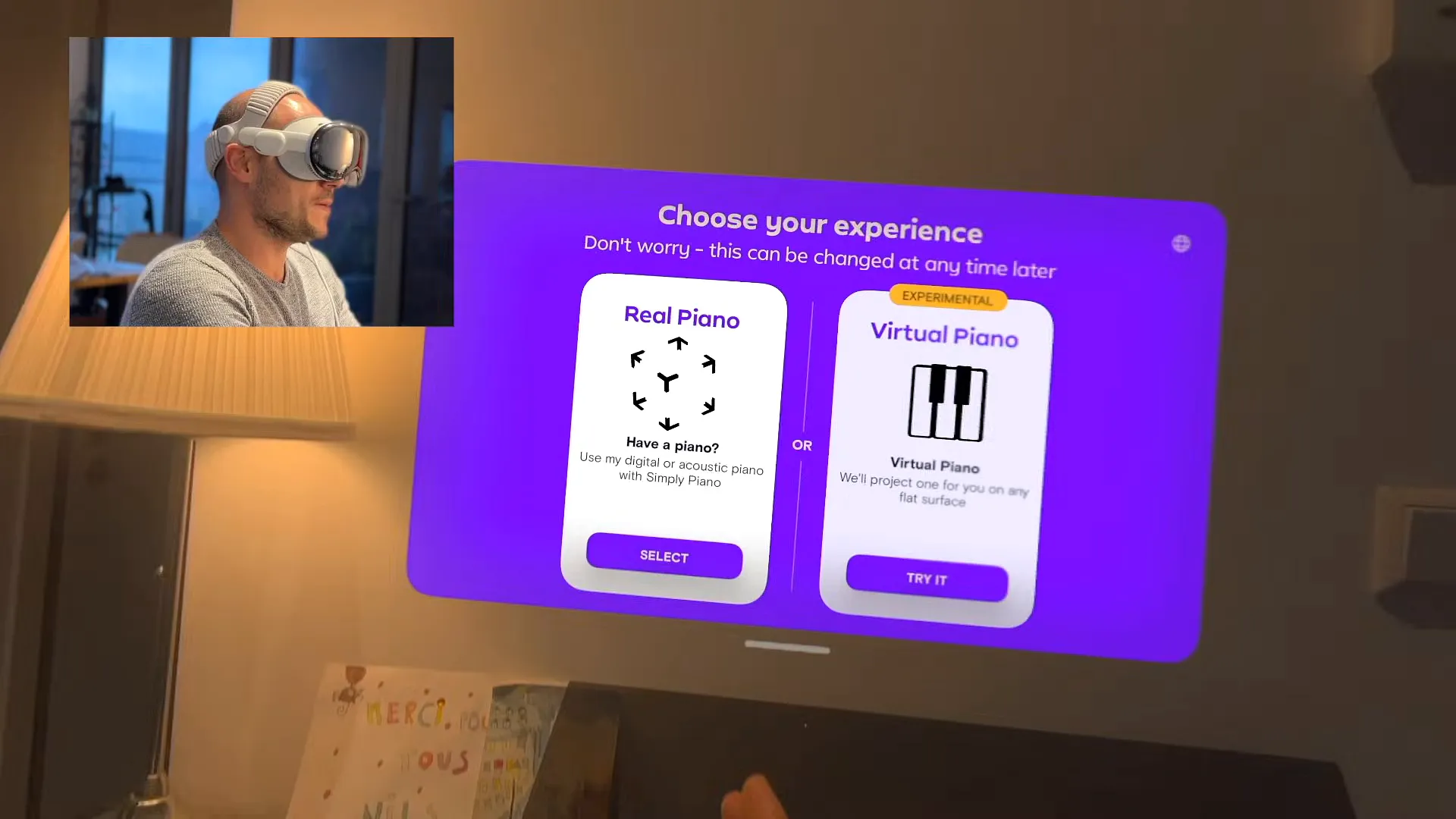
Calibrating your piano
- Sit in front of your piano and select Real Piano from the menu
- Look at your hands. The app will ask you to pinch your fingers to grab the virtual keyboard overlay
- Align the virtual keys with your real keys. It doesn't have to be perfect instantly, just get it close
- Hold perfectly still for the countdown (3, 2, 1) to lock the position in place
- Play the glowing keys (usually Middle C and surrounding notes) to confirm the tracking is accurate
Once you're synced up, you'll see a really cool particle effect exploding from the keys as you play. That's how you know you're ready to go.
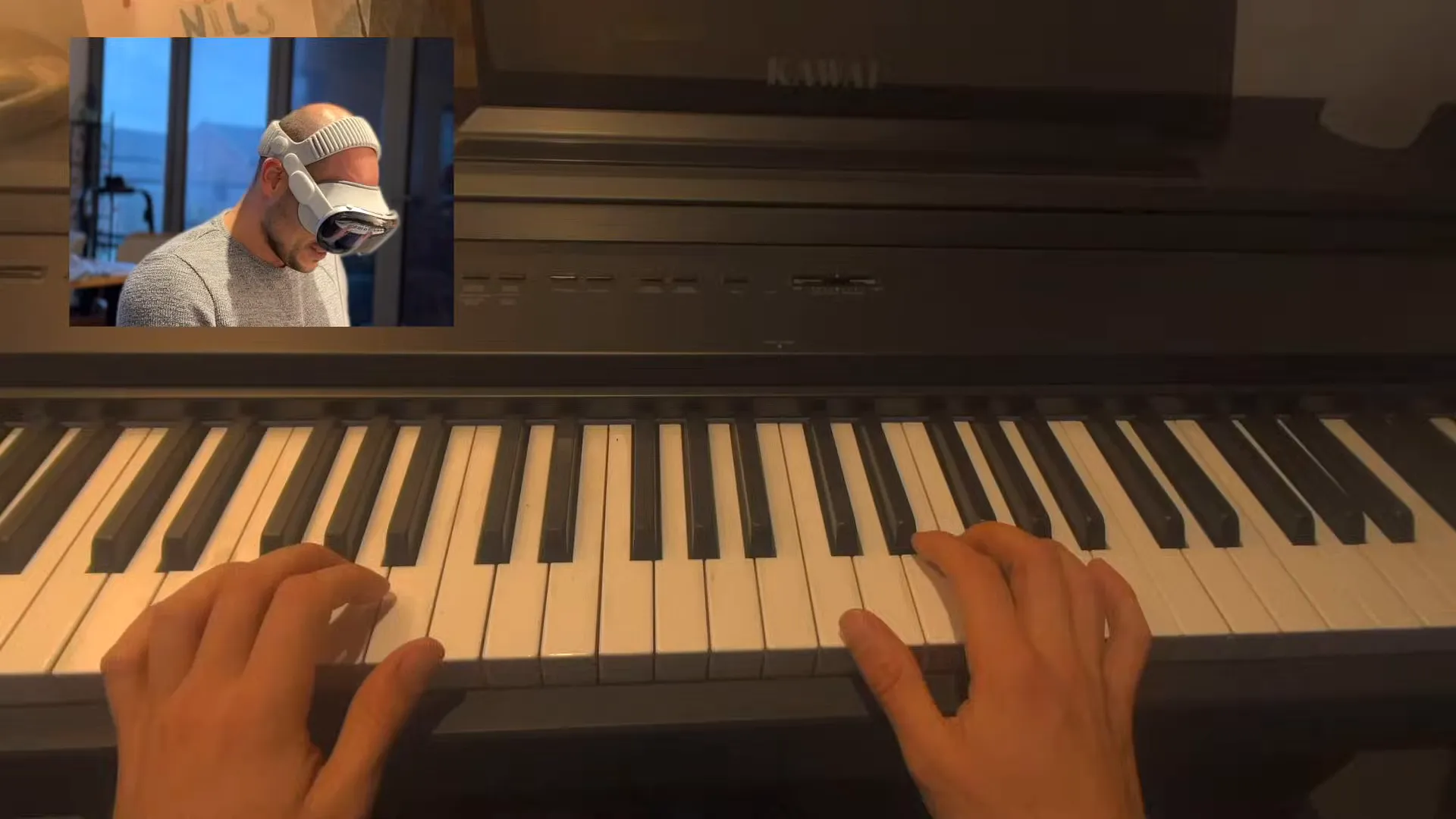
Sheet music in spatial reality
The core of the app is the floating sheet music. Instead of looking down at your hands or squinting at a small screen, the staff is projected large and clear right above your piano. It listens to what you play and waits for you if you miss a note.
One of the most helpful features for beginners is the hand tracking integration. It uses the Vision Pro's cameras to identify your fingers and teaches you proper positioning in real-time.
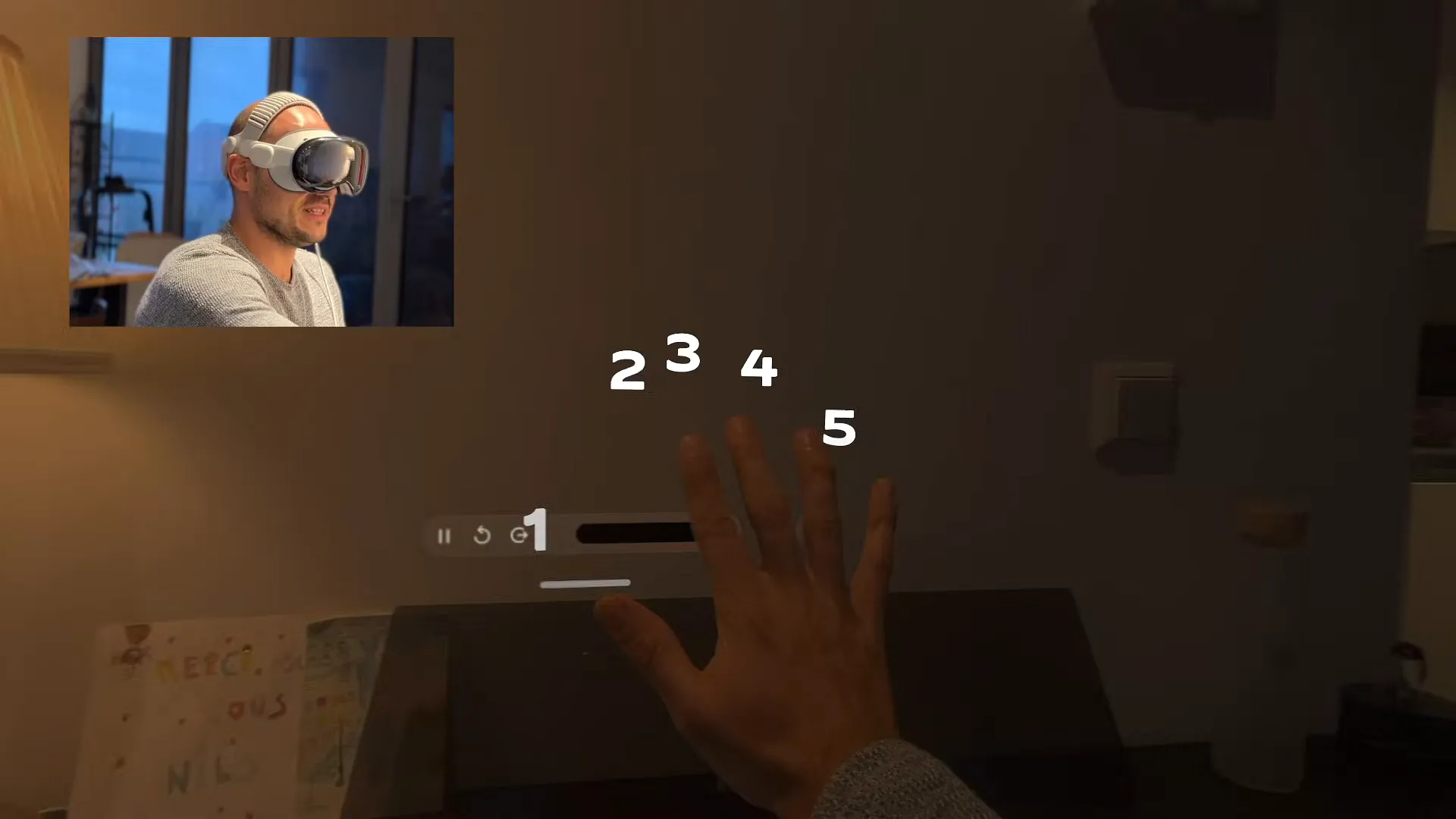
How the guide works
- Raise your right hand and look at it. The app overlays numbers 1 through 5 on your fingers
- Your thumb is 1, and your pinky is 5
- As you play a song, the sheet music indicates exactly which finger number to use for specific notes
- If you hesitate, the app highlights the correct key on your actual piano with a virtual light beam
Step into the spotlight
This is the feature that really shows off what the Vision Pro can do. When you start certain songs, the app doesn't just show you notes—it transports you to a different world.
For example, playing "Jingle Bells" puts you on a moving sleigh in a snowy village. But the real showstopper is the Live Show Experience. It feels like you're performing on stage.
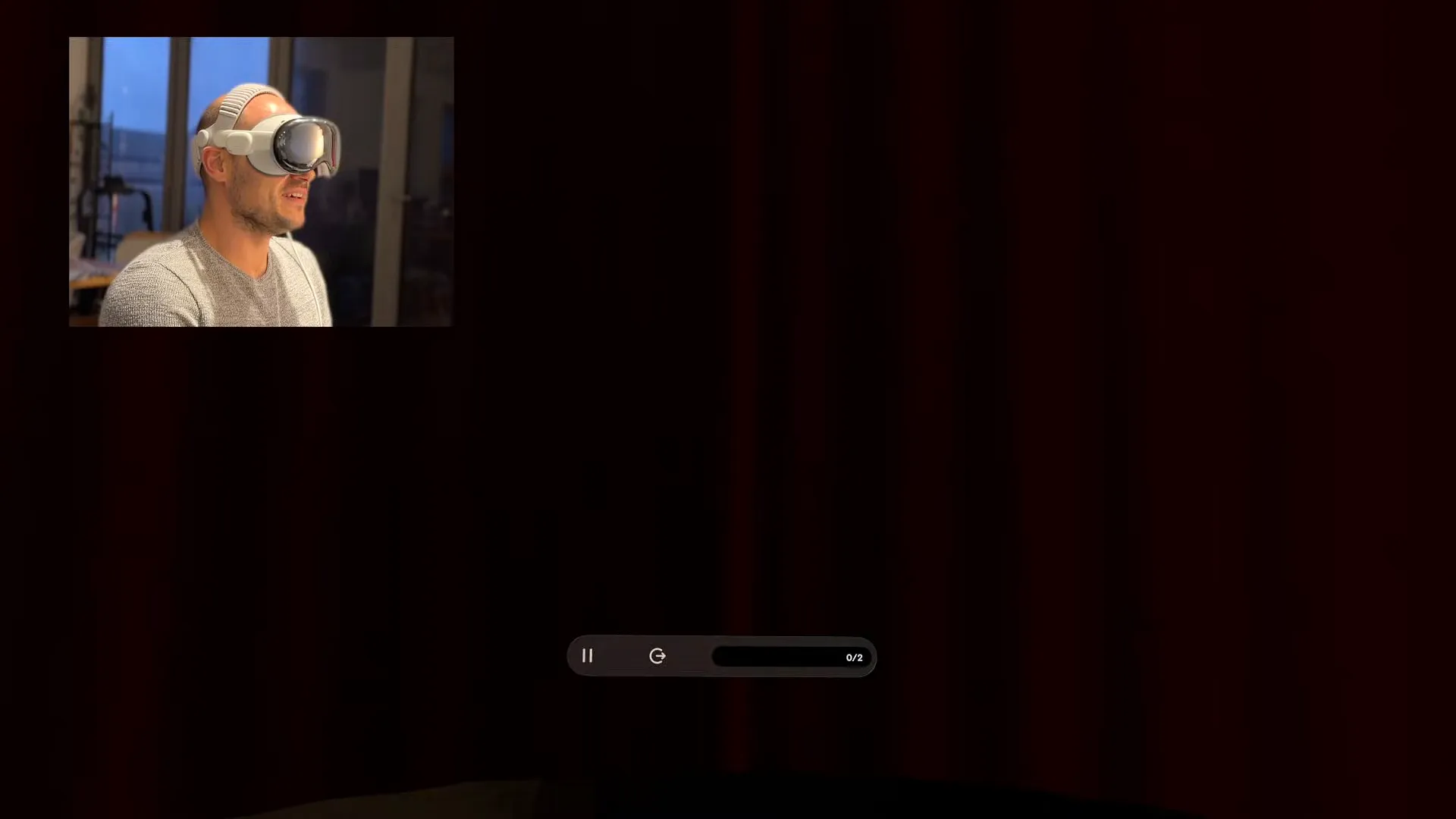
What to expect in Live Show
- As you start the song, virtual curtains close around you and then open to reveal a massive concert hall
- The lighting dims and spotlights focus on you and your piano
- You can see a virtual audience in the dark, clapping and cheering for you
- When you finish the song, confetti rains down from the ceiling
Pro tip: Don't let the applause distract you! You still need to hit the right notes to get your 3-star rating.
Decorate your room with achievements
Finally, you can bring your progress into your actual living space using the new widgets. Instead of hiding your trophies in a menu, you can hang them on your real-world wall.
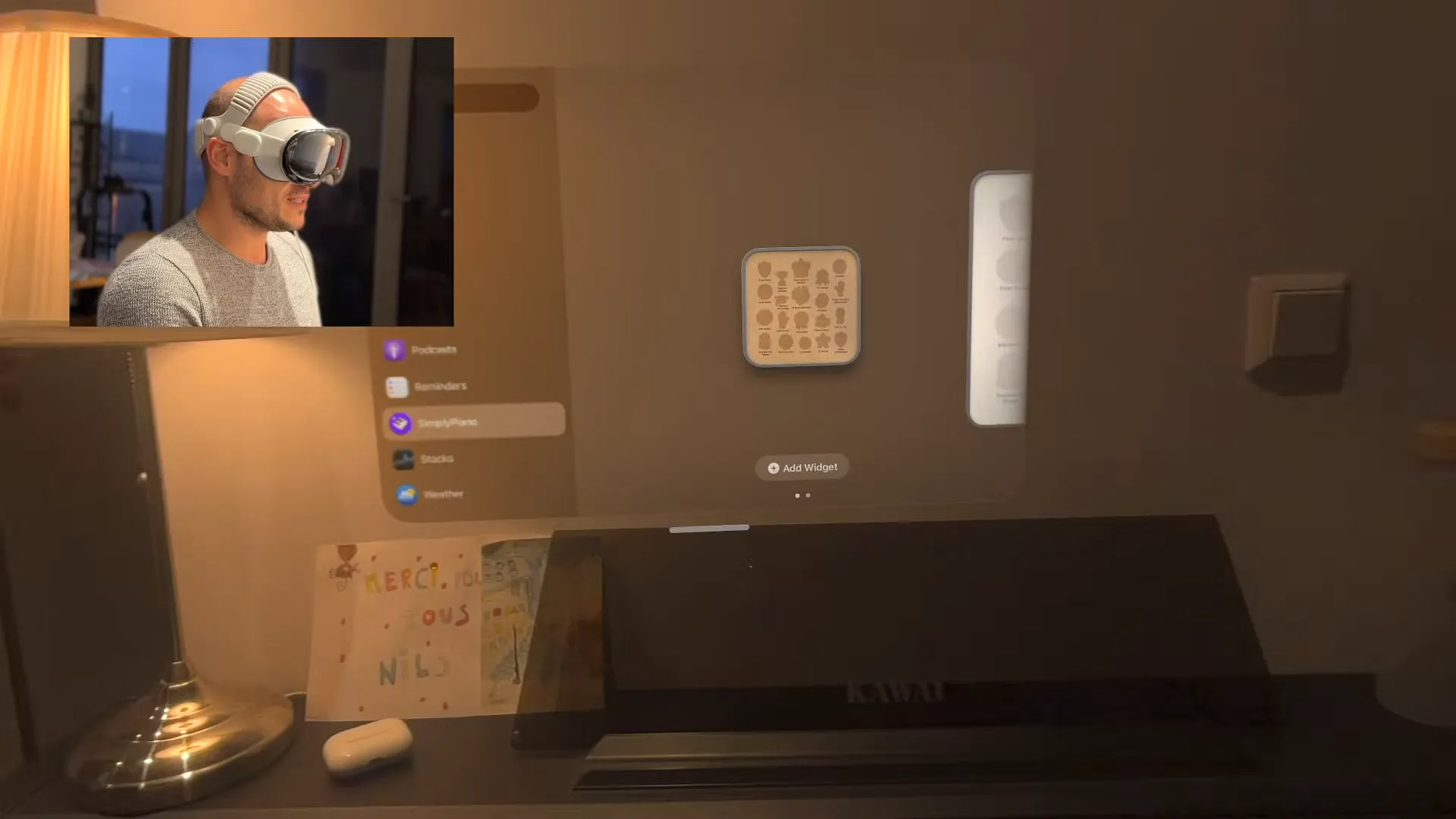
How to add widgets
- Open the Vision Pro home view and go to your Widgets folder
- Select the Simply Piano widget
- Drag the frame onto any wall in your room. It snaps to the surface
- Customize the frame color (like beige or brown) and adjust the thickness to give it a 3D shadow box look
Once placed, the widget stays there. Every time you walk into the room—even when you aren't playing—you'll see your badges hanging on the wall.
Go play
Simply Piano on Vision Pro is more than just a port of the iPad app. It's a glimpse into the future of learning instruments. The responsiveness of the audio combined with the immersive environments makes practicing something you actually want to do.
If you have a Vision Pro and a keyboard, give this a shot. It might just be the best way to finally learn that song you've been thinking about.
Last updated: Oct 14, 2026