
What's new in Powerbeats Pro 2
The wait is over. The new Powerbeats Pro 2 are finally here, and they are a massive upgrade from the previous generation. If you've been looking for the ultimate workout headphones that simply refuse to fall out of your ears, this release is for you.
We've packed these with the powerful H2 chip, bringing Active Noise Cancellation and Transparency mode to your most intense workouts. But we didn't stop at audio. With built-in heart rate monitoring and a completely redesigned case, these are built for athletes who need their gear to keep up
Let's break down the new design, the fitness tracking capabilities, and how to get the most out of the new physical controls.
Getting connected
Before you hit the gym, here is how to get paired up. Thanks to the H2 chip, the process is seamless for iPhone users.
- Unlock your iPhone and go to the Home Screen
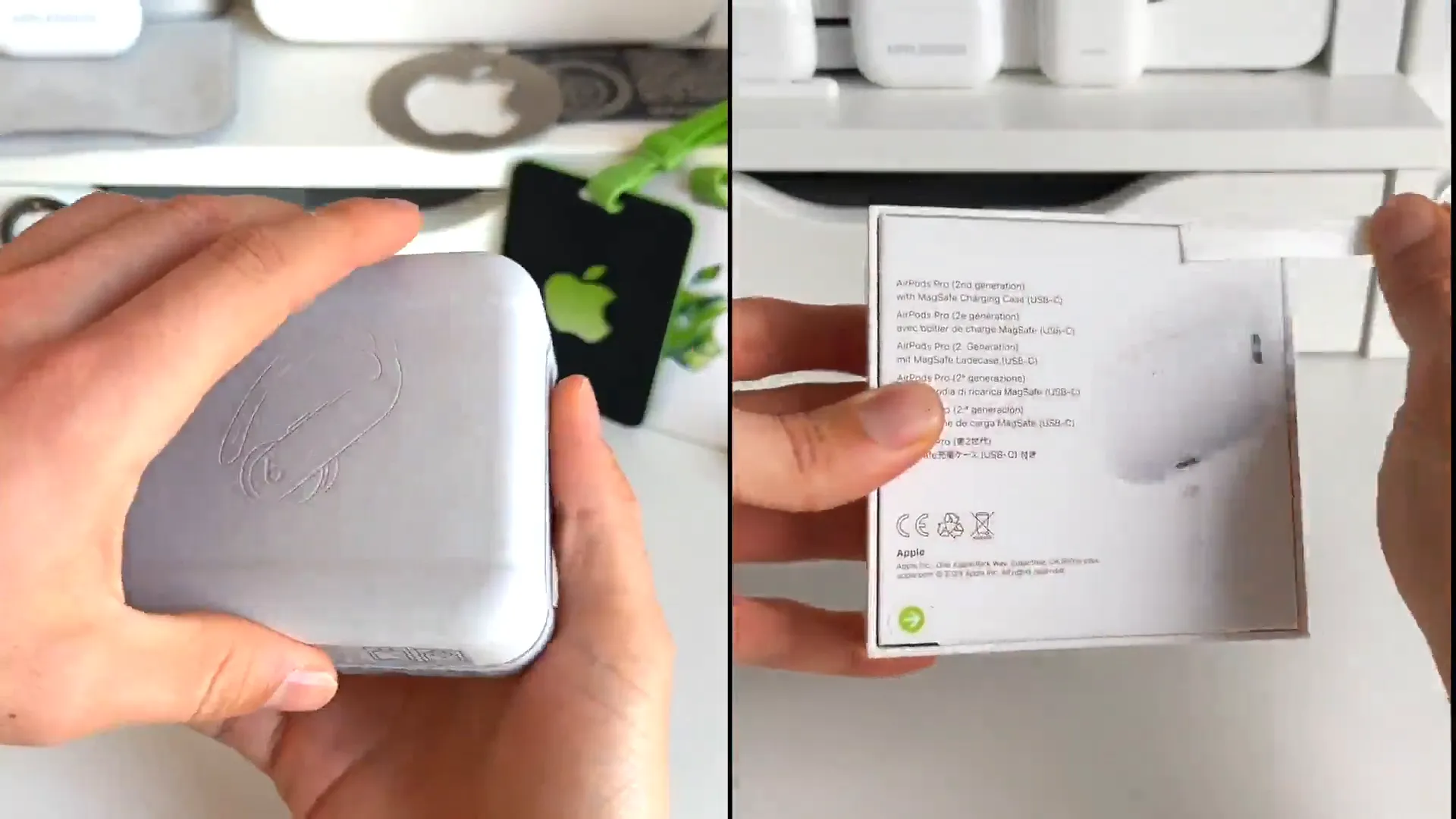
- Open the new Powerbeats Pro 2 case with the earbuds inside and hold it next to your phone
- A setup animation will appear on your screen. Tap Connect
- Follow the onscreen instructions to configure basic settings
Once connected, you'll see your battery status pop up. You're ready to listen.
The unbeatable fit
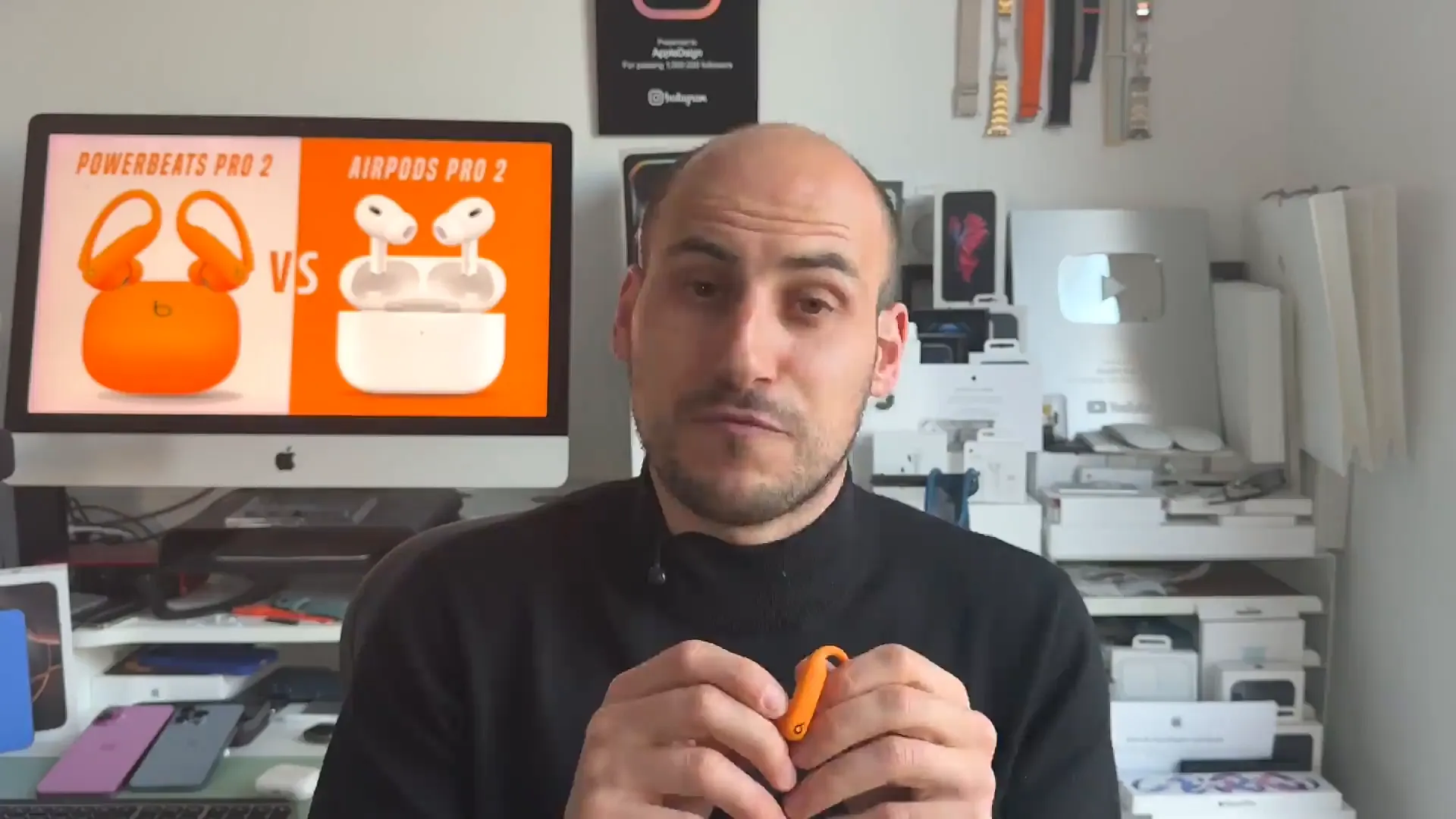
The defining feature of the Powerbeats Pro 2 is the ear hook. We know that for many of you, standard earbuds just don't stay put. Whether you're boxing, running sprints, or taking off a helmet after a ride, these hooks ensure your music goes nowhere.

The design gives you the ultimate snug fit. It eliminates that anxiety of losing an earbud during active sports.
Track your heart rate
This is a game changer for data lovers. We've integrated heart rate sensors directly into the earbuds. This means you can get accurate biometric data during your workout even if you aren't wearing a smartwatch.
How to see your stats
- Put both earbuds in your ears to activate the sensors
- Start a workout in a compatible fitness app or Apple Health
- The earbuds will automatically begin monitoring your pulse
- View your real-time heart rate directly on your phone's screen
- After the workout, check the summary graph to see your intensity zones
Pro tip: This is perfect for activities where a watch might get in the way, like using wrist wraps for lifting or wearing boxing gloves.
Physical controls are back
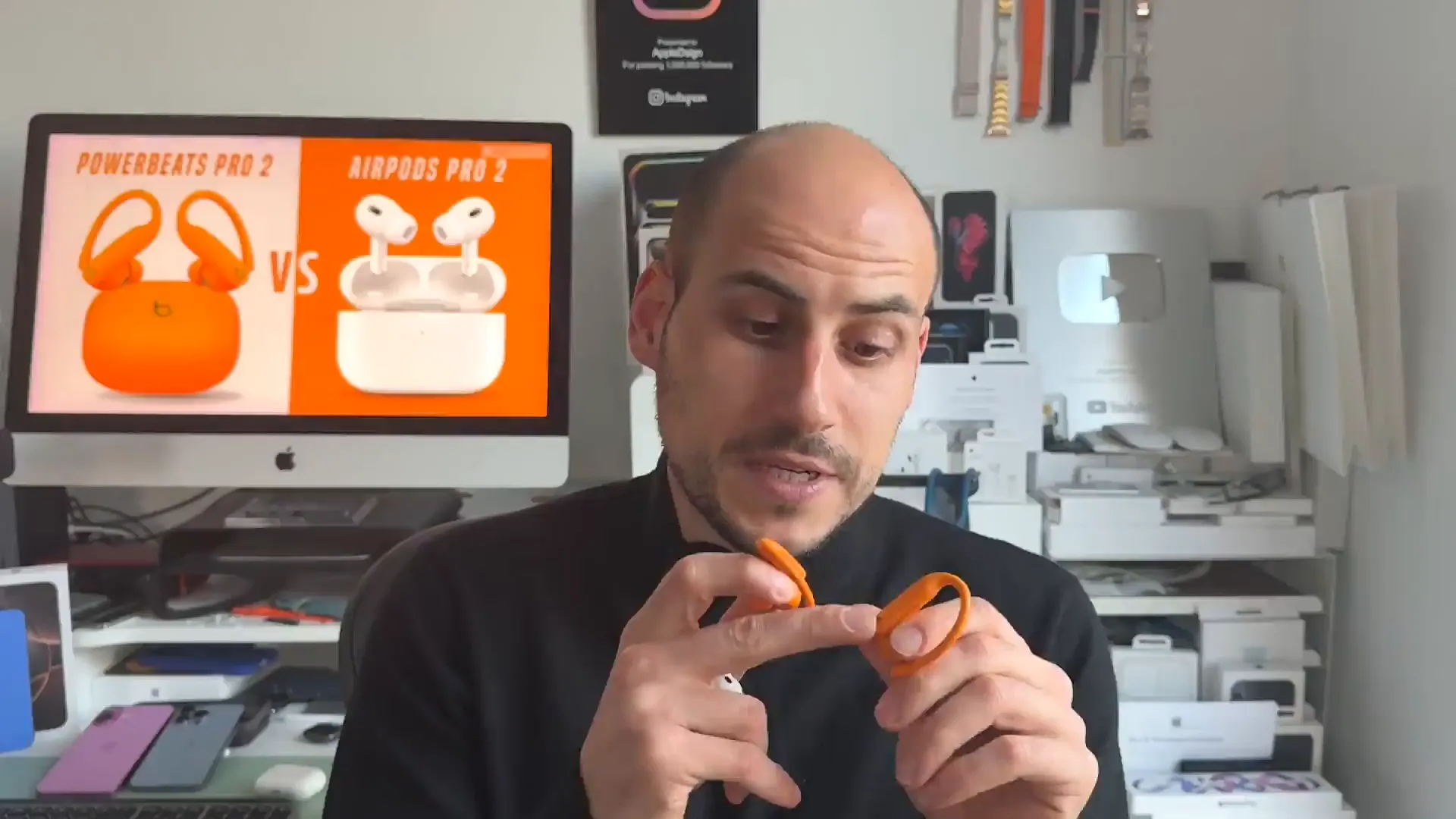
Touch controls can be tricky when your hands are sweaty or gloved. That's why Powerbeats Pro 2 features distinct physical buttons. You get tactile feedback every time you press, so you know exactly what you're doing without looking.
Mastering the buttons
- Press the Beats Logo button once to Play or Pause your music
- Double press the logo button to skip to the next track
- Press and hold the logo button to toggle between ANC and Transparency modes
- Use the volume rocker on the top edge of the earbud to adjust sound levels up or down
When you successfully toggle modes, you'll hear a chime confirming the change.
A few more things
We also made some significant hardware improvements that make living with these headphones easier:
- Battery life hits 10 hours of listening time, with up to 45 hours total using the case
- The charging case is now USB-C and supports wireless charging
- Four new vibrant colors, including Electric Orange and Purple
- Find My support allows the case to play a sound if you misplace it
Over to you
The Powerbeats Pro 2 are built to handle your toughest workouts while keeping you connected. With the new fit, heart rate monitoring, and massive battery life, they are ready for whatever you throw at them. Grab a pair in your favorite color and get moving.
Last updated: Oct 14, 2026