
Apple Studio Display vs Pro Display XDR: Which one is right for you?
If you are setting up a new Mac workstation, choosing the right monitor is a major decision. Apple currently offers two premium external screens: the standard Apple Studio Display and the Pro Display XDR. On the surface, they look incredibly similar. But under the hood, they cater to very different workflows. Let's break down exactly what separates these two displays.
Display tech and refresh rates
From the outside, both monitors share the exact same footprint. They both feature 27-inch 5K resolution panels. The actual viewing experience is where the differences start to emerge.
The standard Apple Studio Display uses a traditional Retina panel with a standard 60Hz refresh rate. It looks fantastic for everyday work, coding, and general content creation.
The Pro Display XDR steps things up significantly. It features a mini-LED back panel that pushes a massive 2,000 nits of peak brightness. It also boasts a 120Hz refresh rate. This makes on-screen motion noticeably smoother and provides the HDR color gamut needed for professional color grading and high-end video production.
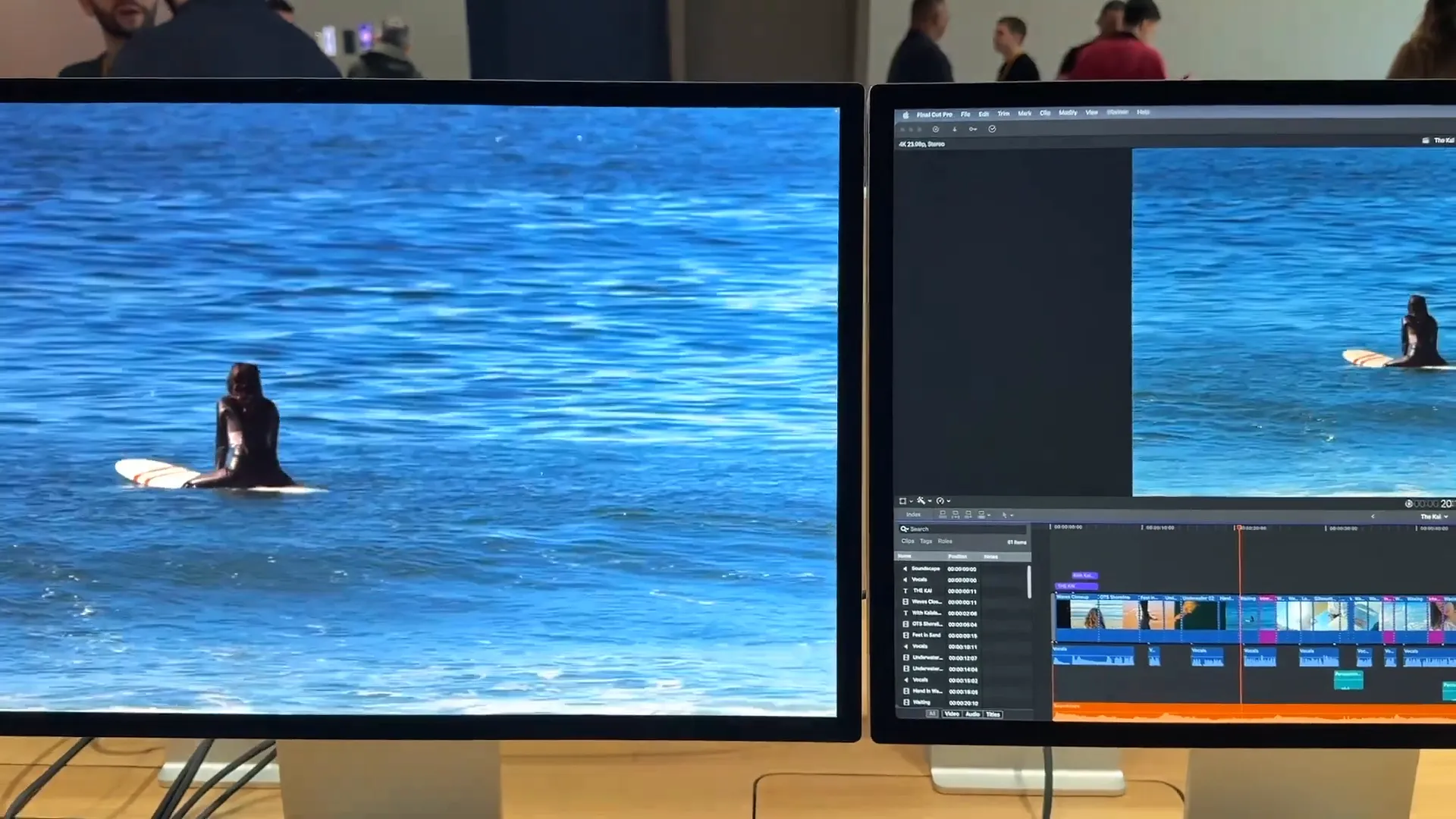
Both monitors support daisy-chaining. You can easily power multiple screens from a single Mac notebook with just one cable.
The cooling grills
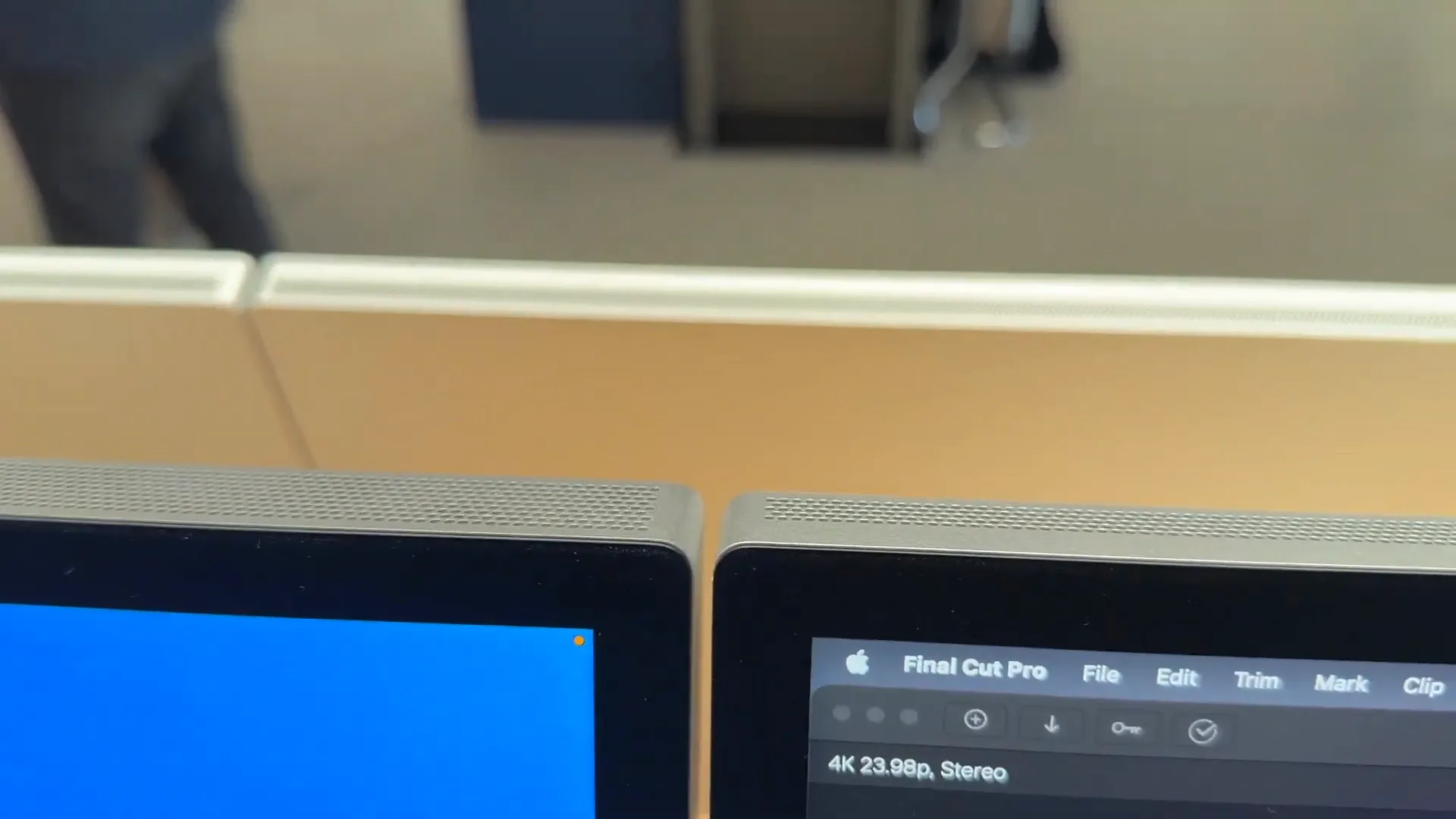
Because the Pro Display XDR pushes so much more brightness and performance, it generates more heat. If you look closely at the top edge of both monitors, you will spot a subtle design difference.
The Pro Display XDR features a noticeably taller top grill packed with more ventilation dots. The standard Apple Studio Display keeps a slimmer, more traditional grill design.
Beyond the screens themselves, both displays feature an upgraded audio system and a built-in 12-megapixel Center Stage camera. This automatically keeps you perfectly framed during video calls.
Stands and adjustability
This is a physical detail many buyers miss. The stands on these two monitors operate differently right out of the box.
The Pro Display XDR includes a premium tilt and shift mechanism. You can easily adjust the height of your screen and tilt it to match your perfect viewing angle.
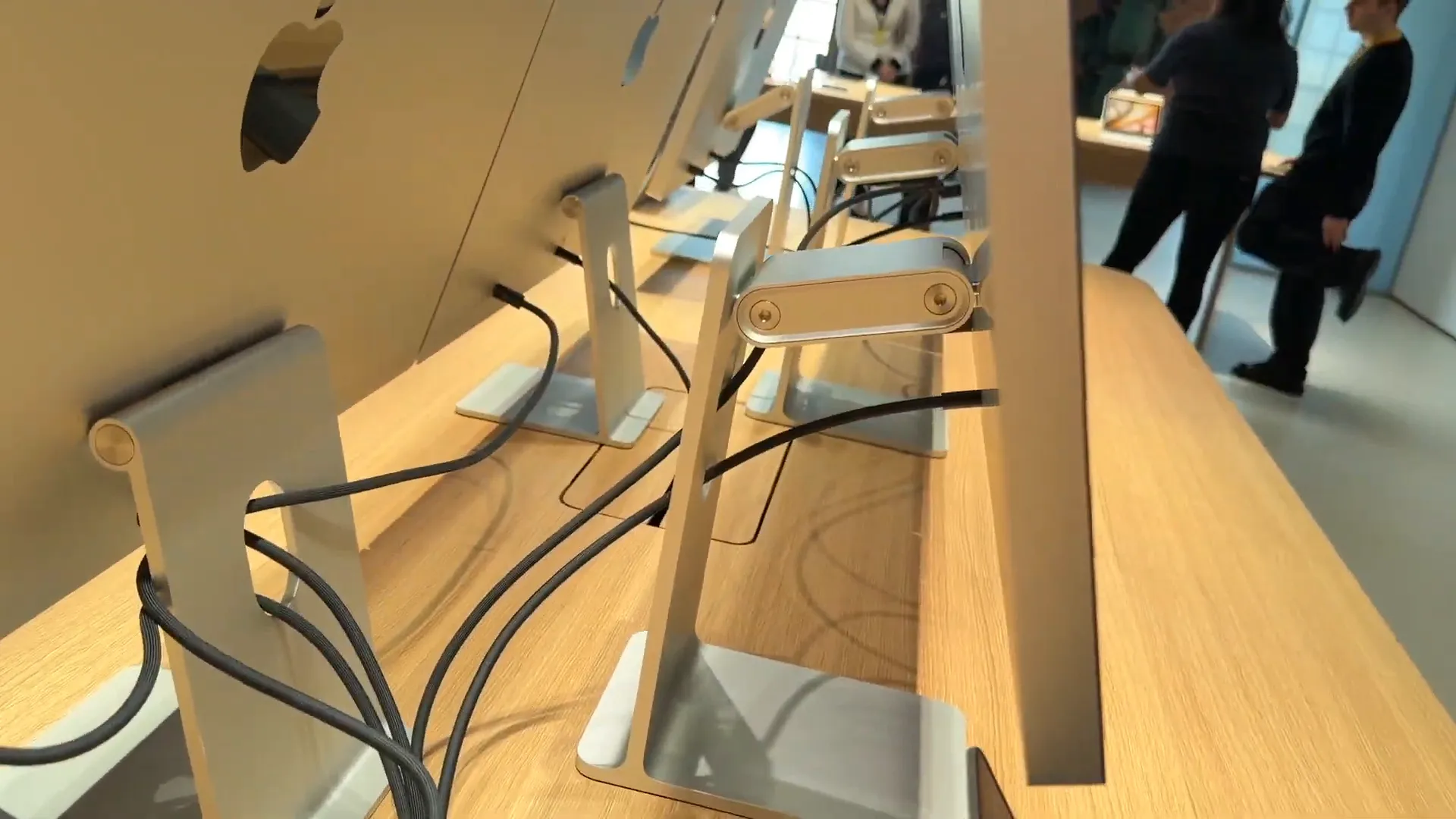
The entry-level Apple Studio Display only comes with a standard tilt mechanism. You can angle it up and down, but you cannot shift the height up or down. Make sure to take that into account before setting up your desk.
The price gap
The pricing makes it very clear who each monitor is built for.
- The Apple Studio Display starts at $1,699.
- The Pro Display XDR starts at $3,299.
Both models offer an optional nano-texture glass upgrade. This is highly recommended if you work in a room with harsh lighting and need to eliminate screen glare.
The bottom line
For most users, the standard Apple Studio Display is the smart choice. At $1,699, it delivers a gorgeous 5K image, a built-in speaker system, and a high-quality webcam. It has everything you need for a premium desktop setup.
The Pro Display XDR is a highly specialized tool. If your daily workflow demands perfectly accurate HDR color grading, 2,000 nits of peak brightness, and a 120Hz refresh rate, the $3,299 price tag is a worthy investment. If you don't specifically need those high-end video production specs, save your money and stick with the standard model.
Last updated: Oct 14, 2026